The sliders
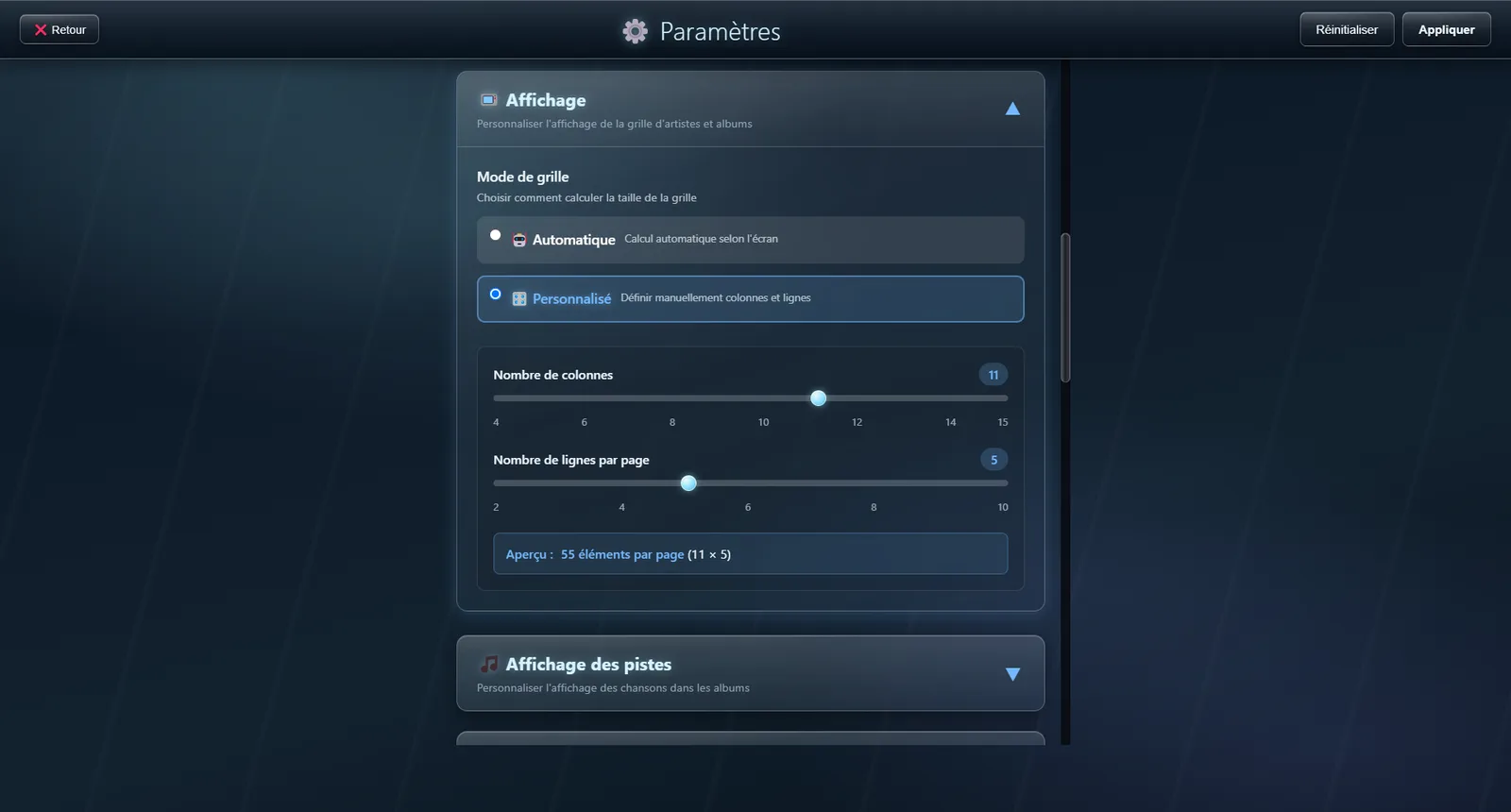
Settings, Display section: two sliders control the number of columns and rows. Multiplying the two gives the number of covers per page — the rest moves to the next page. A preview sits beside the sliders so you can judge without leaving the settings.
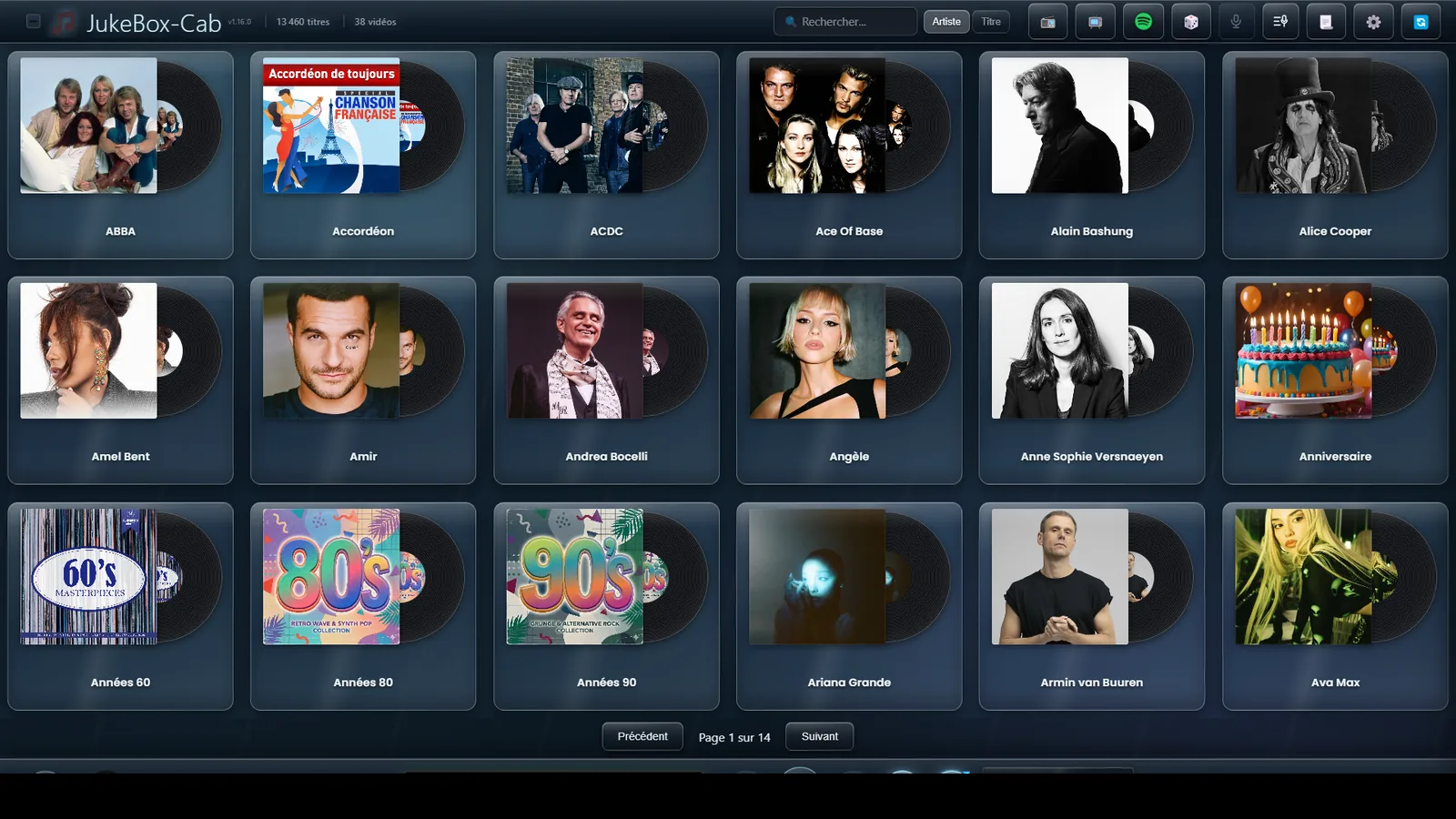
Few columns: large covers
Dropping to six columns gives each cover a lot more room. This is the setting to pick for a touchscreen or a cabinet seen from a distance: artwork is recognisable at a glance and the targets are wide enough for a finger.
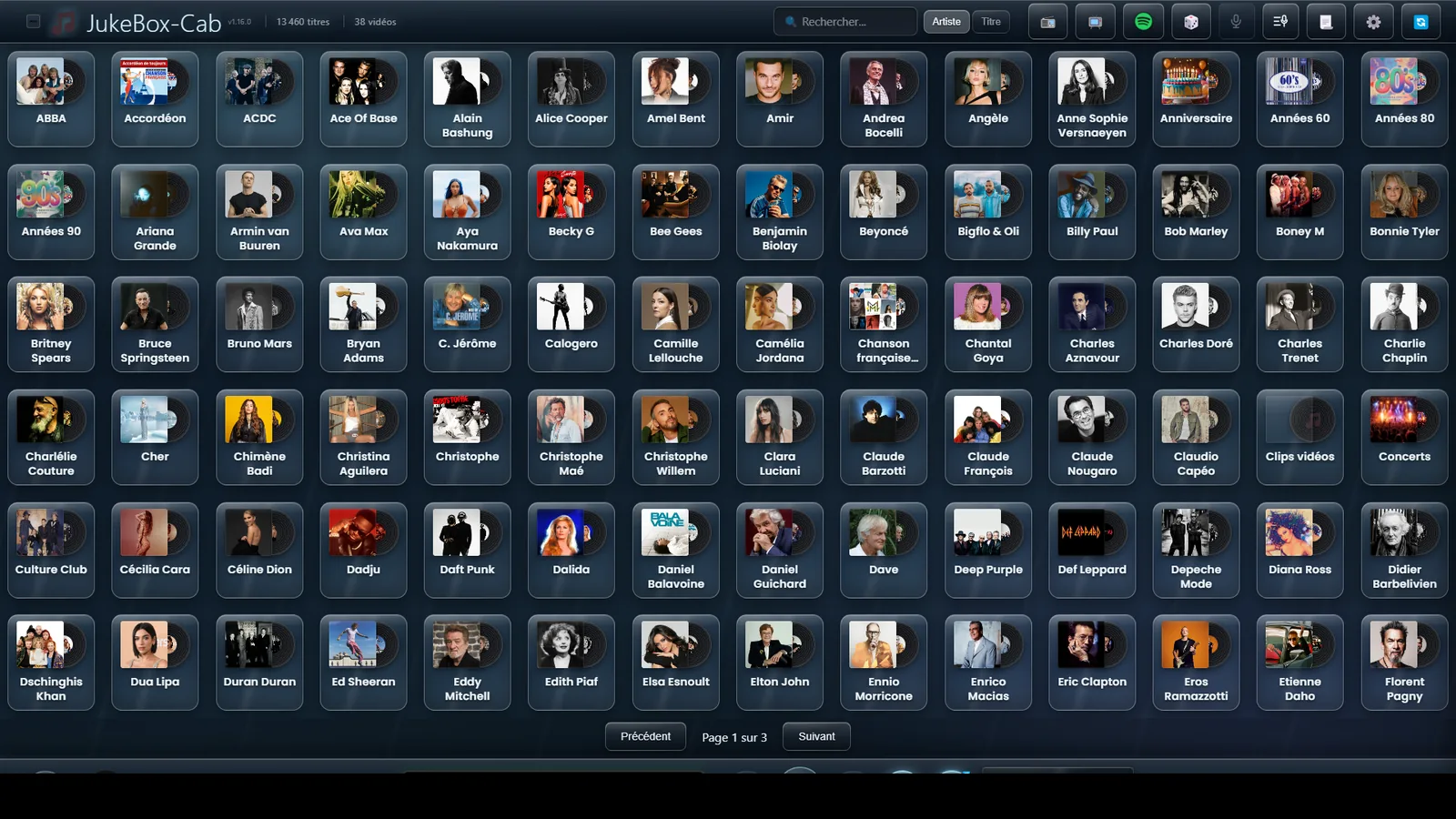
Many columns: see everything at once
At fourteen columns, the same page shows far more artists. This is the setting for a large collection browsed with a mouse: fewer pages to go through, at the cost of smaller artwork.
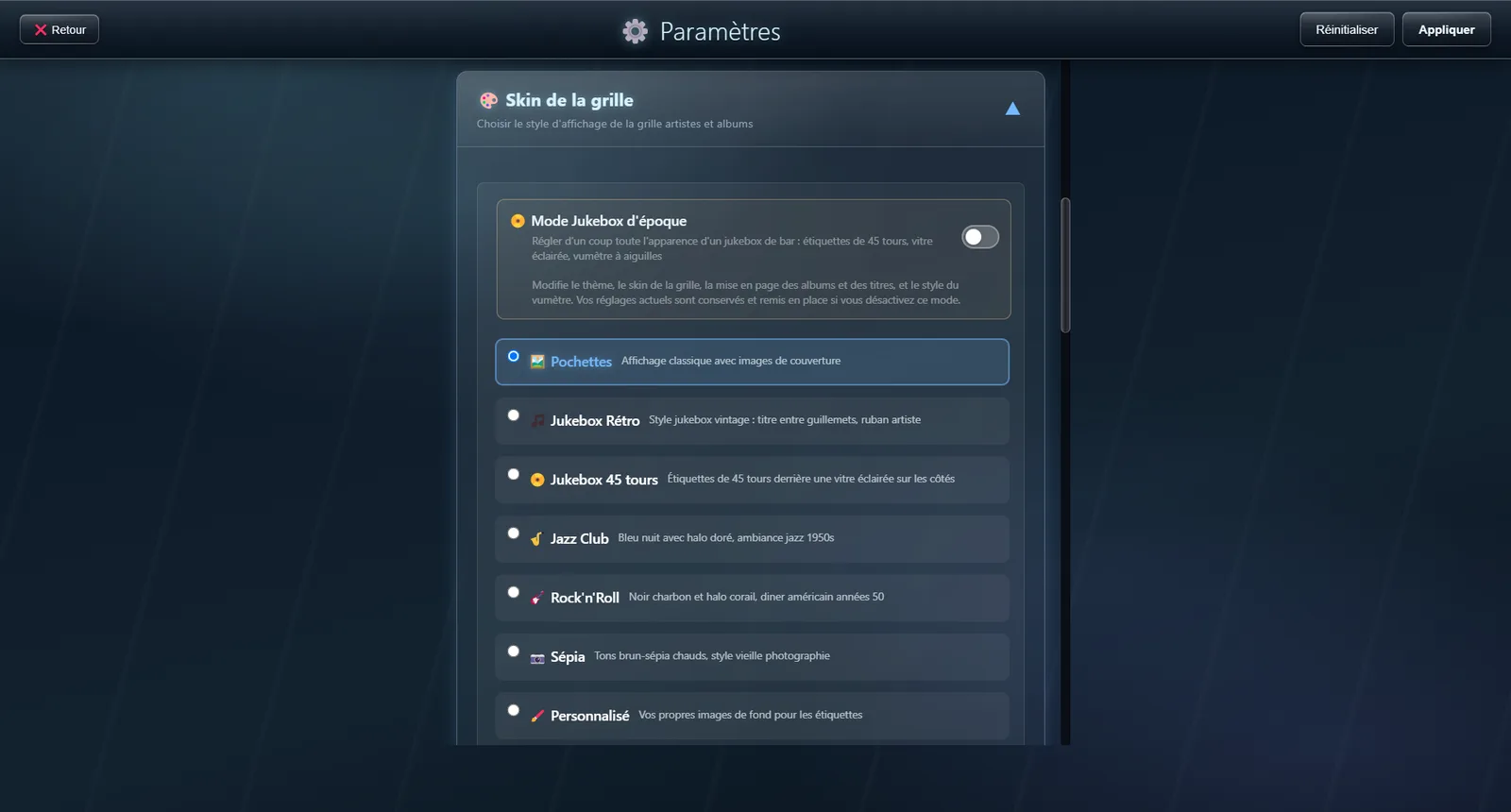
The grid skin
The skin sets the mood: colours, materials, the look of the labels. Seven styles are on offer, from the original cover display to seven-inch single labels behind a lit pane of glass, by way of a midnight-blue Jazz Club or a charcoal-and-coral Rock’n’Roll. A Vintage jukebox mode switch at the top of the section sets the theme, the skin, the VU meter and the layout in one go — and gives your previous settings back if you turn it off.
The tile shape
Independently of the skin, the shape decides the silhouette of the covers: the original square, a seven-inch single whose cover becomes the centre label, that same record standing alone against the background, a vinyl peeking out beside a cover that stays square and therefore fully readable, or a round badge ringed in the theme colours. The change is instant: the grid redraws without leaving the settings.
