1
Setting up the event
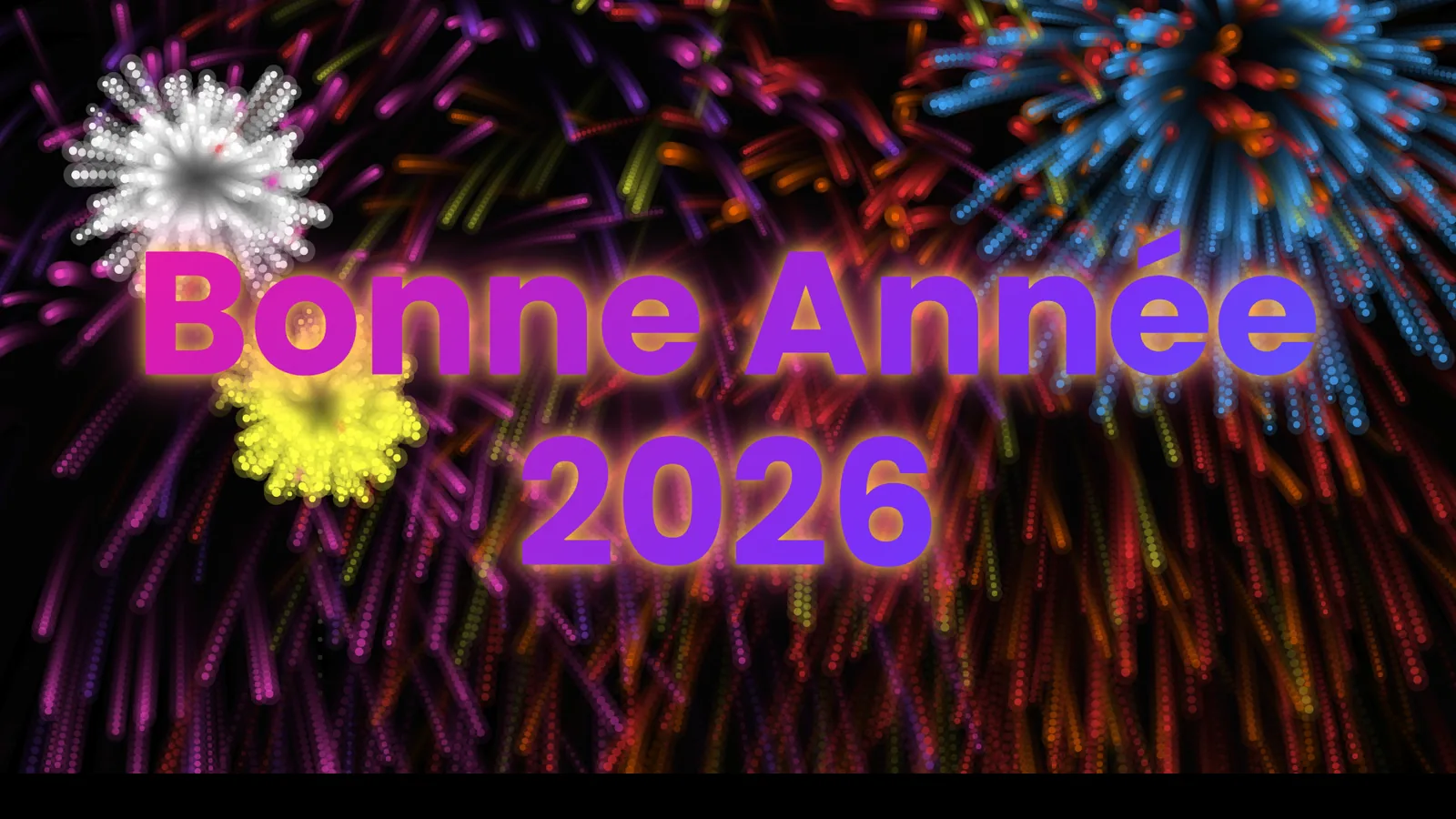
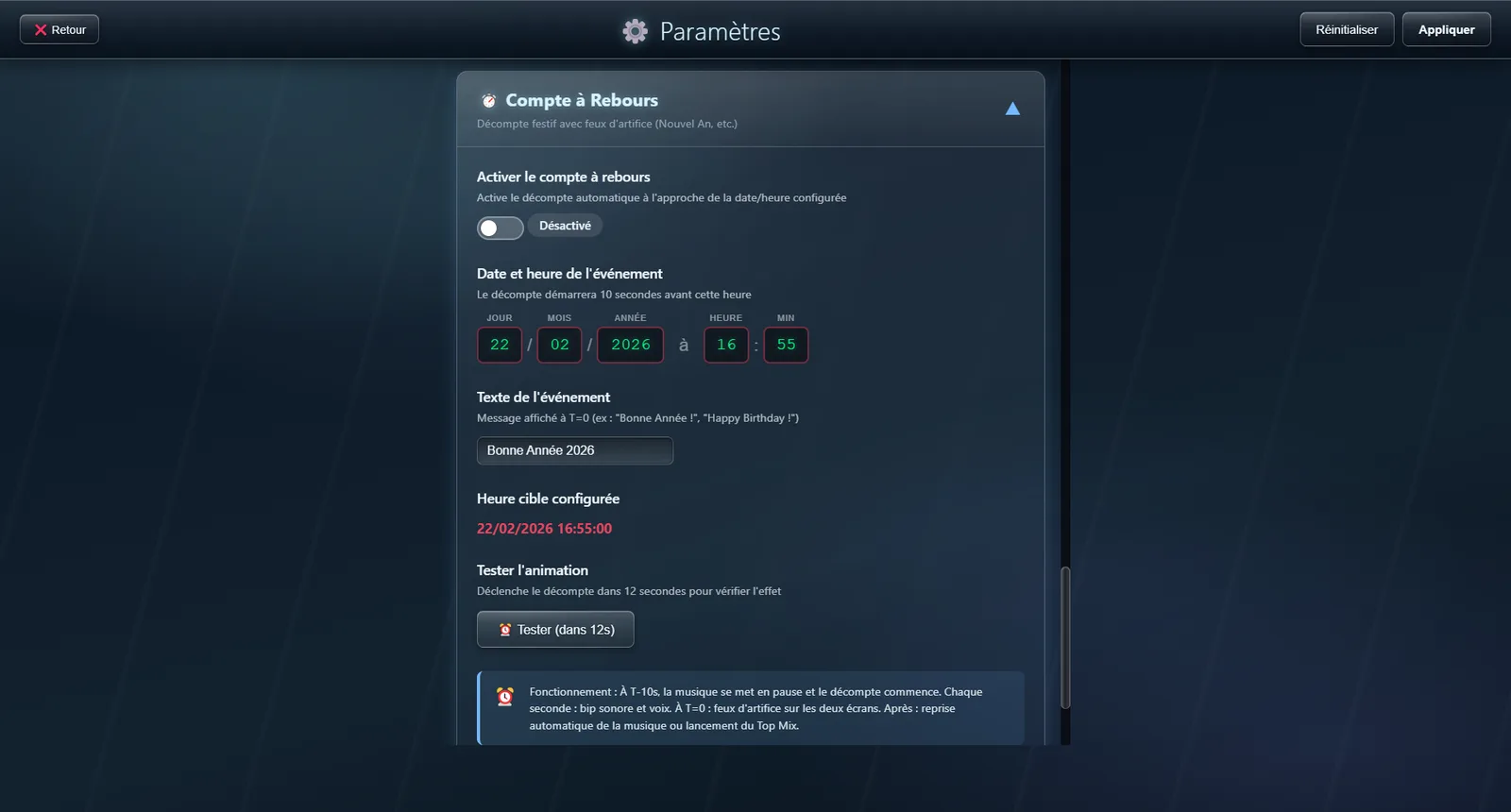
Settings, Countdown section. Switch it on, then set the date and time with the buttons provided — day, month, year, hour, minute — designed to be used with a finger, without a keyboard. The message shown at the fateful moment is up to you: “Happy New Year 2026”, “Happy birthday”, whatever you like.
2
The last ten seconds
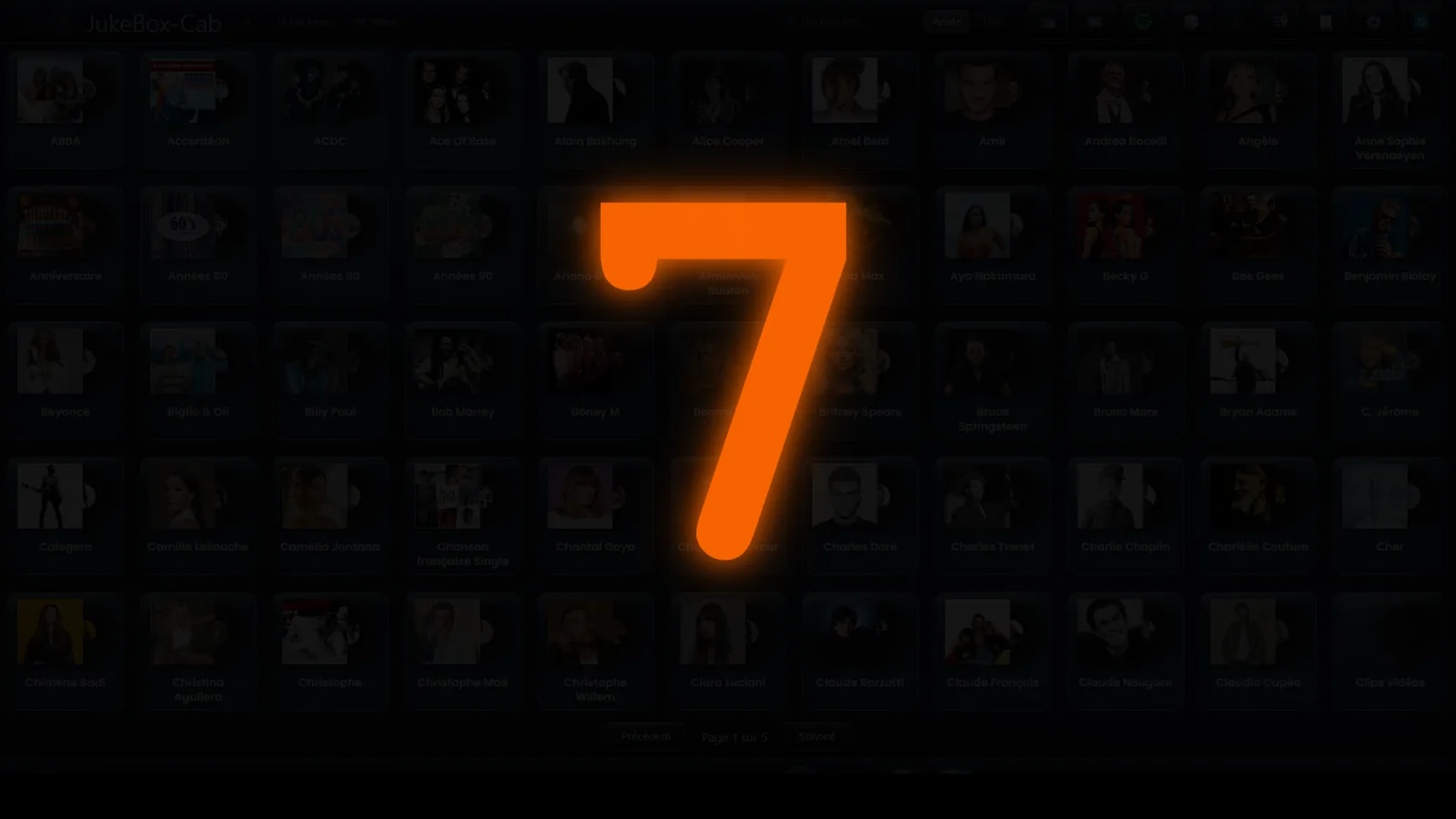
Ten seconds before the hour, the music stops and the countdown appears in large type. Every second comes with a beep and a voice calling out the number, in the language of the interface. On a two-screen setup, the countdown appears on both.
3
The message and the fireworks
At zero, your message appears against a sky of animated fireworks. When the display ends, the music picks up where it left off — and if nothing was playing before, a Top Mix starts to get the party going again.