Free · Windows · v1.16.0

JukeBox-Cab

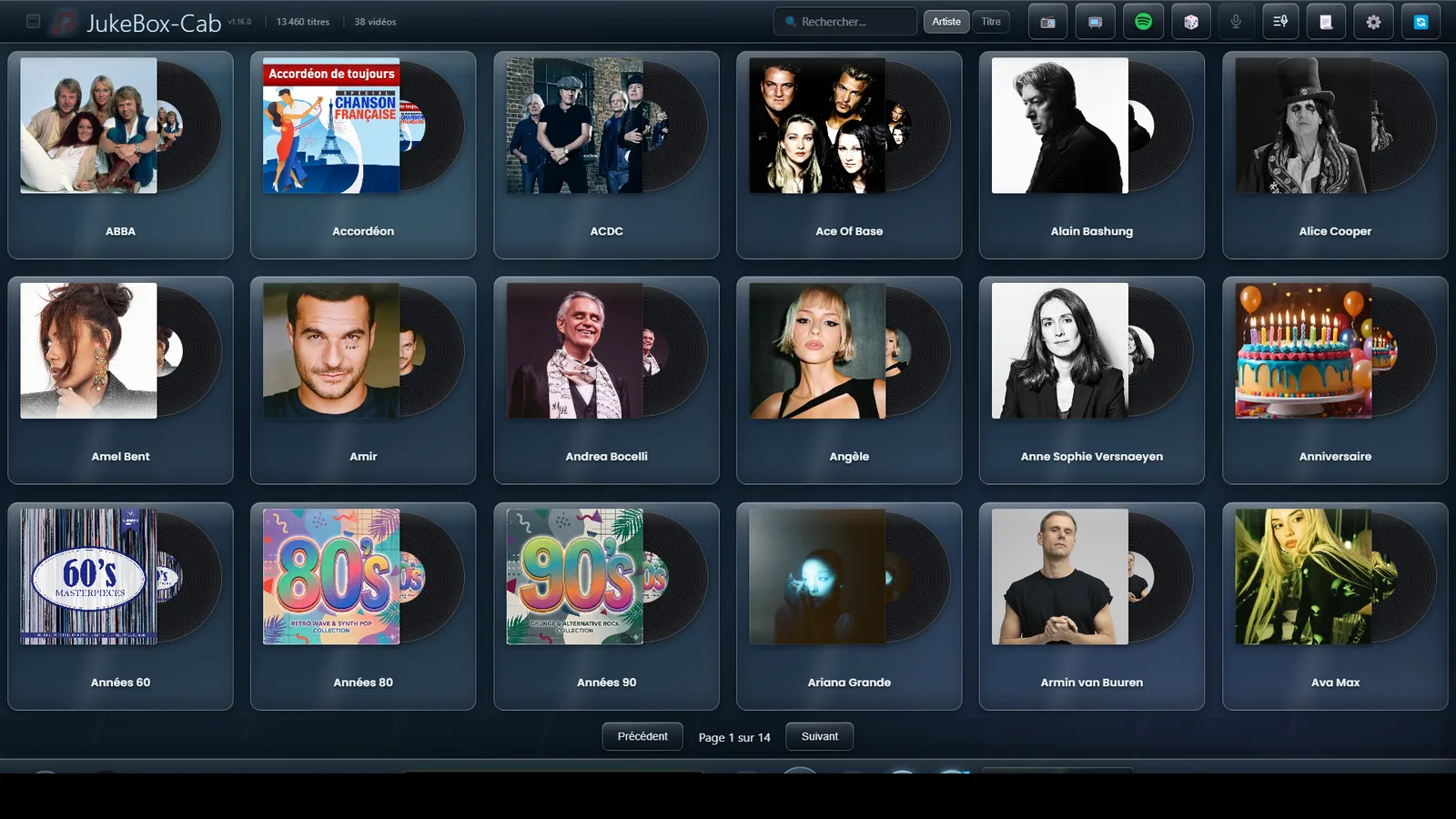
Your PC becomes a jukebox. All your music as cover art, on a touchscreen, with the videos on a second display.

  • Free, MIT licence
  • Windows 11, 64-bit
  • Touch or mouse
2 971 downloads
62 features
11 interface themes
4 languages

What JukeBox-Cab does

Six features out of 62. Each card leads to the detail.

See all 62 features

Look up a feature The field at the top of the page searches all 62 features and every help page. Try "VU meter", "karaoke" or "credits".
This site speaks four languages French, English, Spanish and Italian, just like the application. Pick yours at the top right.

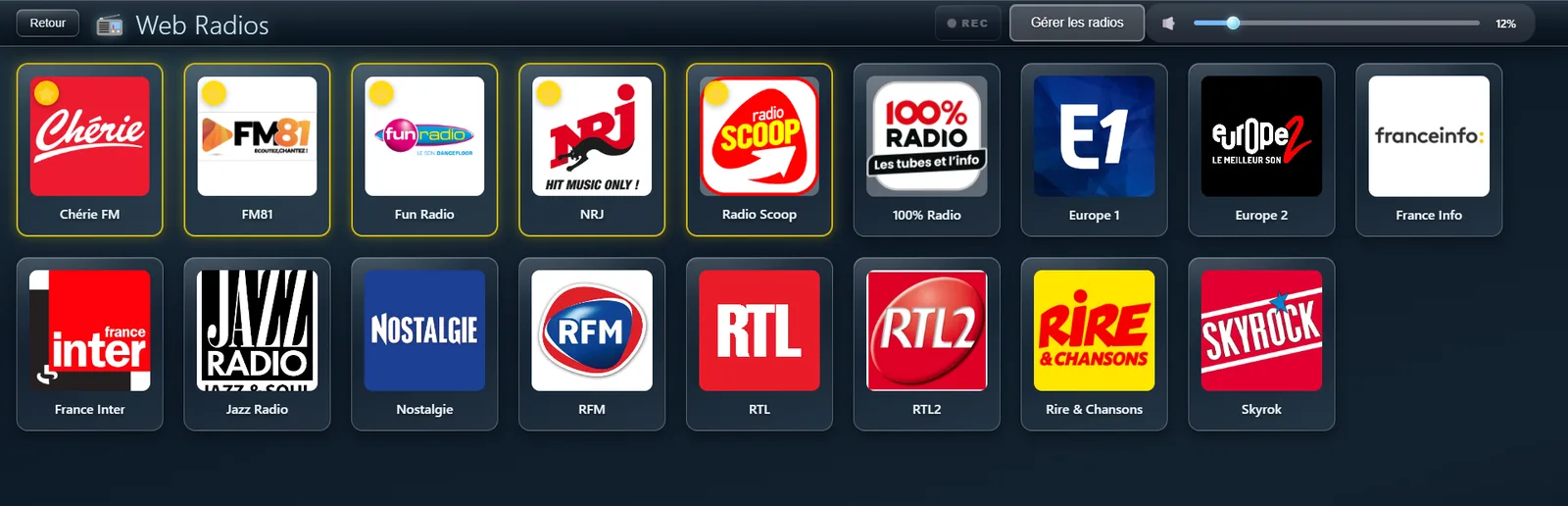
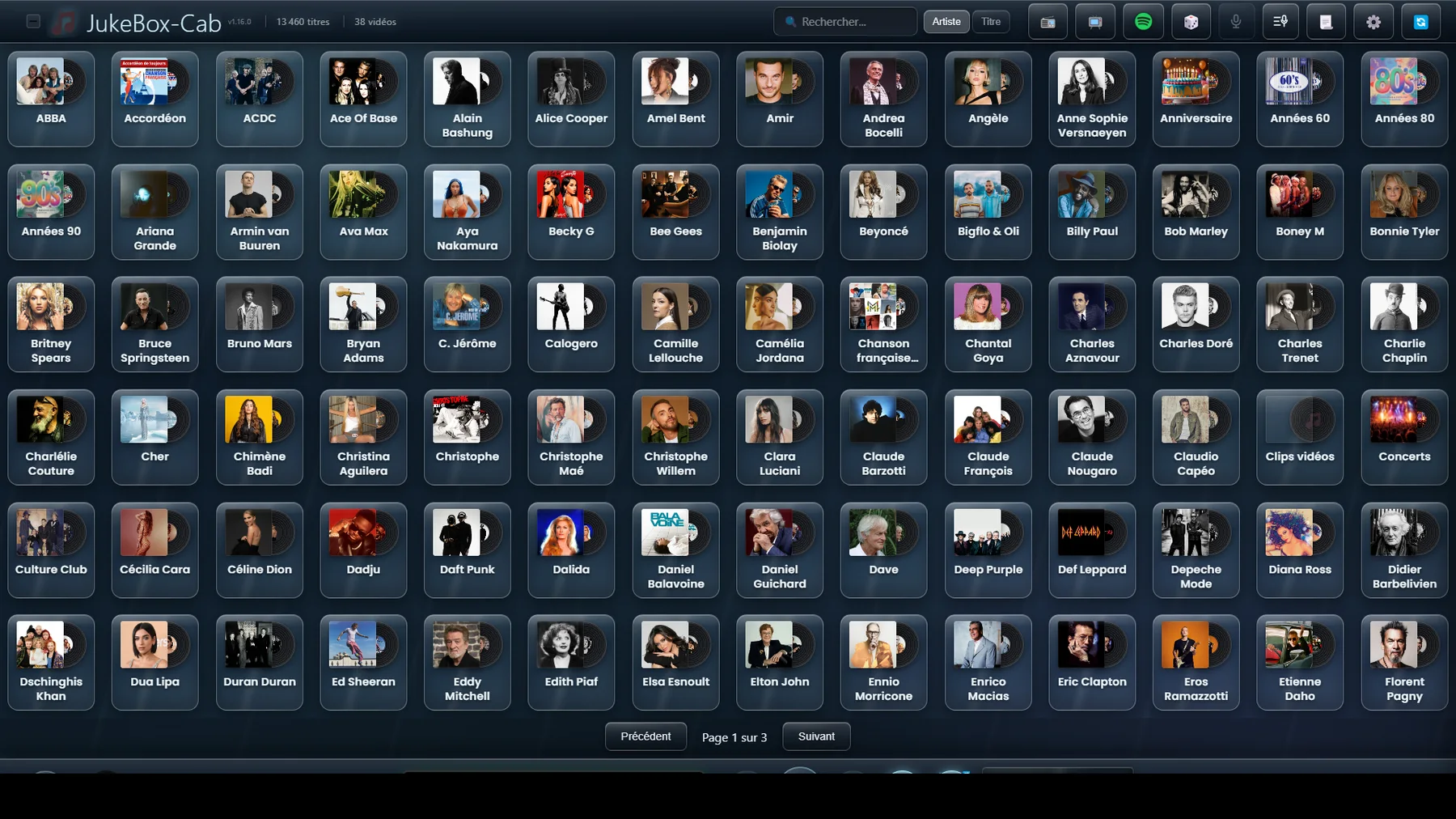
In pictures

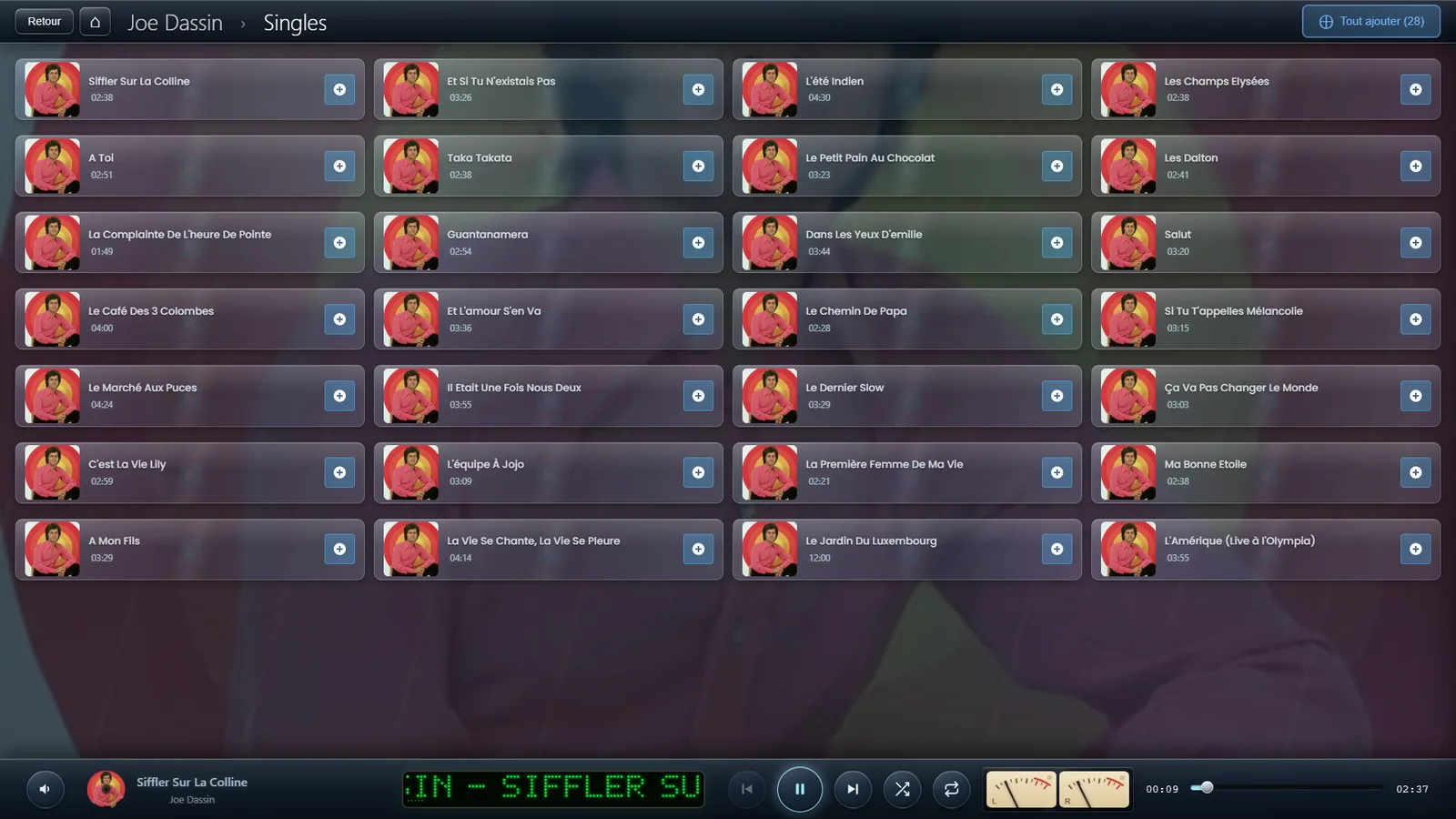
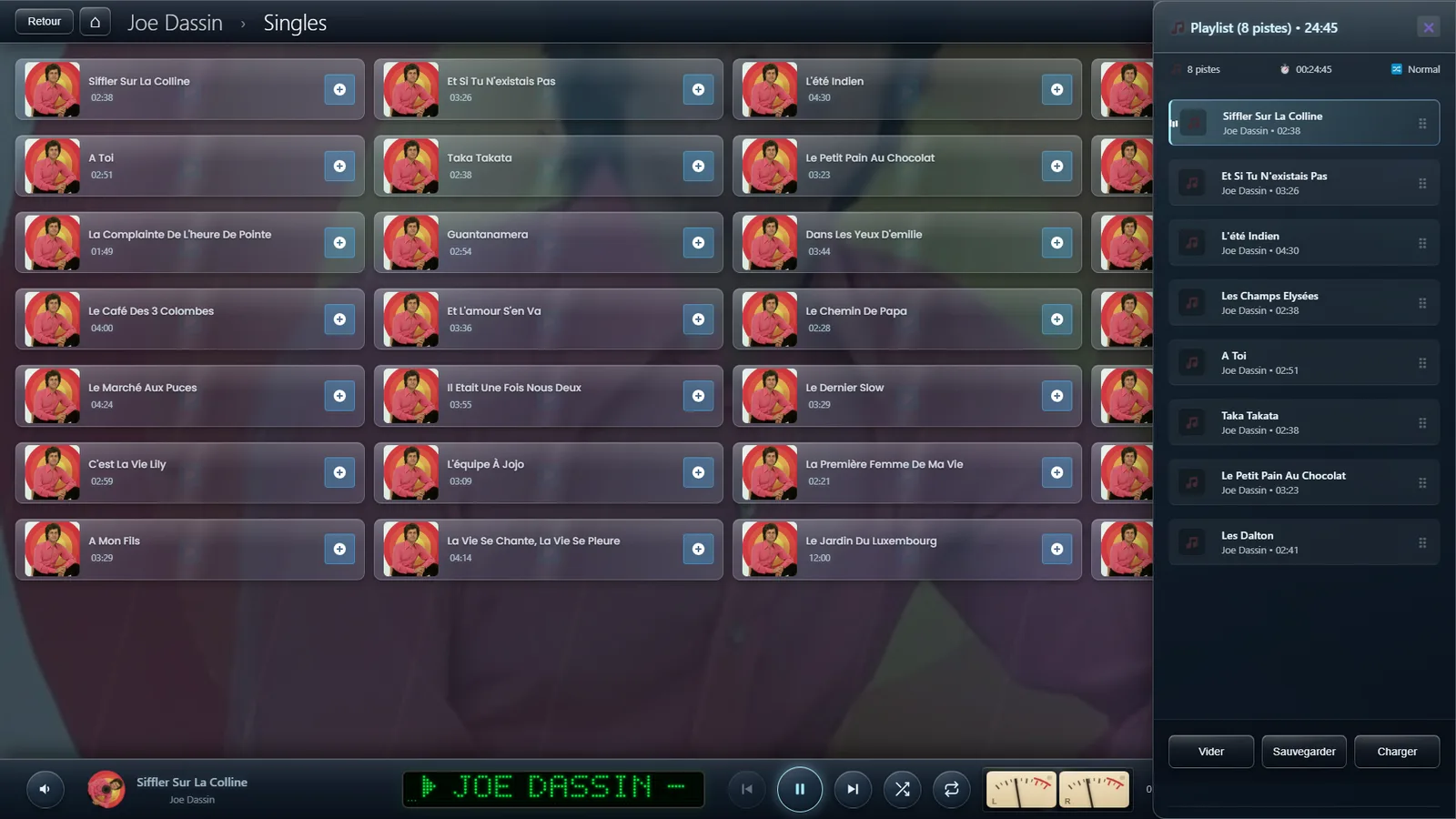
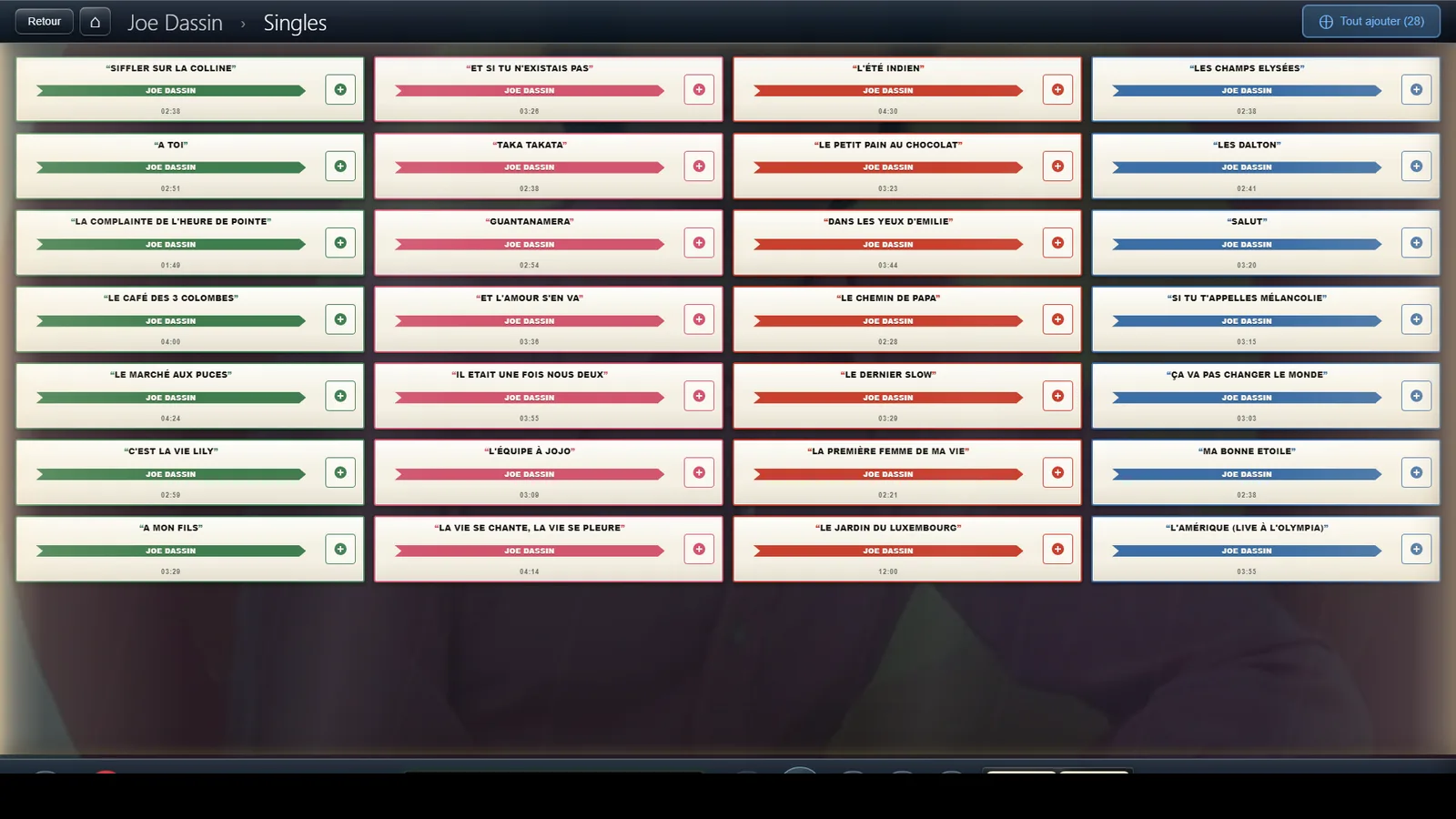
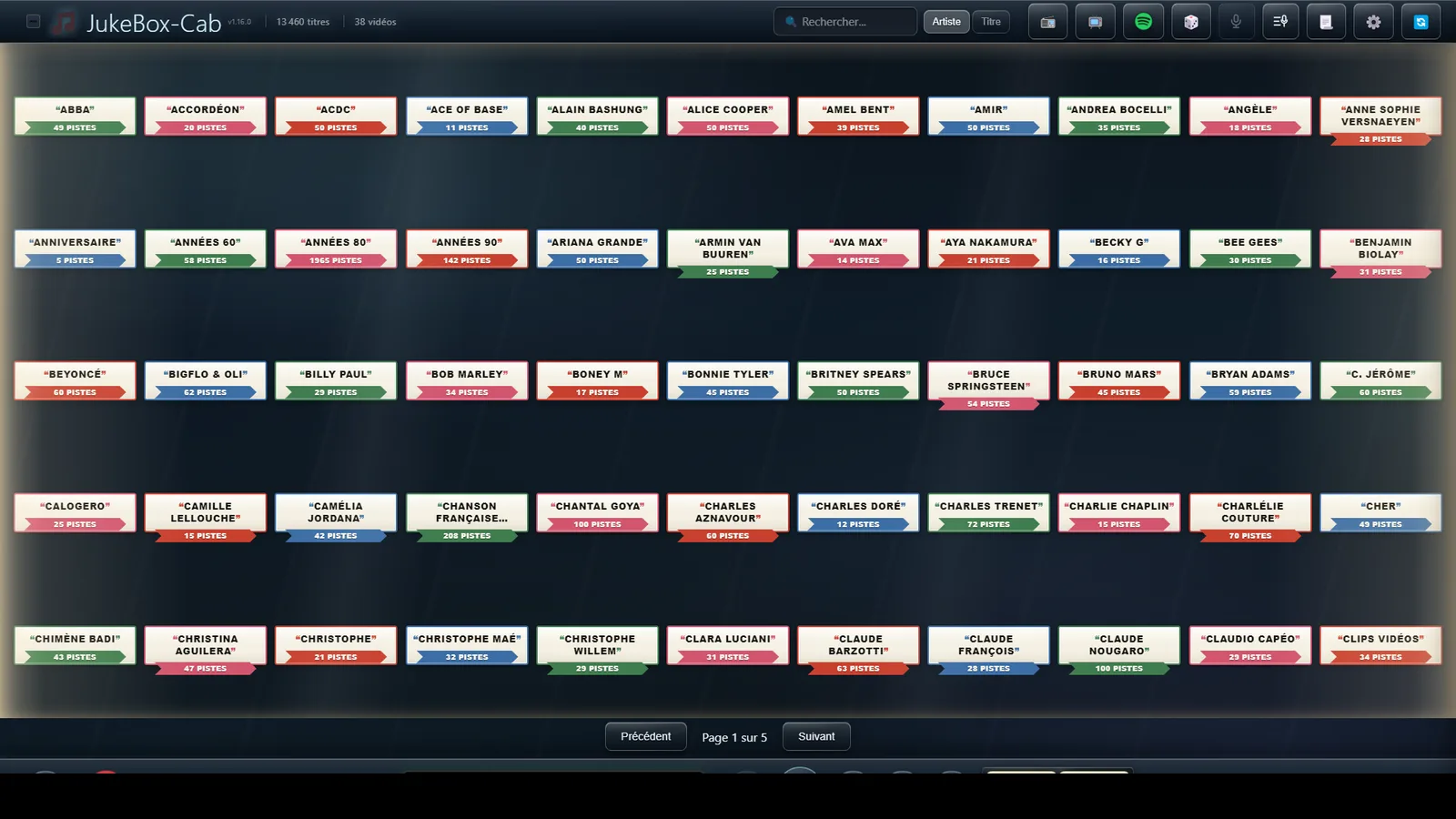
Screenshots of version 1.16.0, taken as they come.
Download

Version 1.16.0, free and ad-free.

Before installing

  • Windows 11, 64-bit
  • 4 GB of RAM
  • 150 MB of disk space
  • Touchscreen recommended, not required

Installing, in four steps

  1. Download the installer.
  2. Run JukeBox-Cab-Setup-1.16.0.exe.
  3. Follow the instructions.
  4. Point to your music folders, and you are set.

The detailed guide, step by step →

A free project, built in my spare time

JukeBox-Cab is free and will stay that way. If the software pleases you and serves you well, you can support its development — it helps add features, fix faults and keep the project alive.

Donate via PayPal

Thank you to those who already have.