Online radio
Your favourite stations, streamed
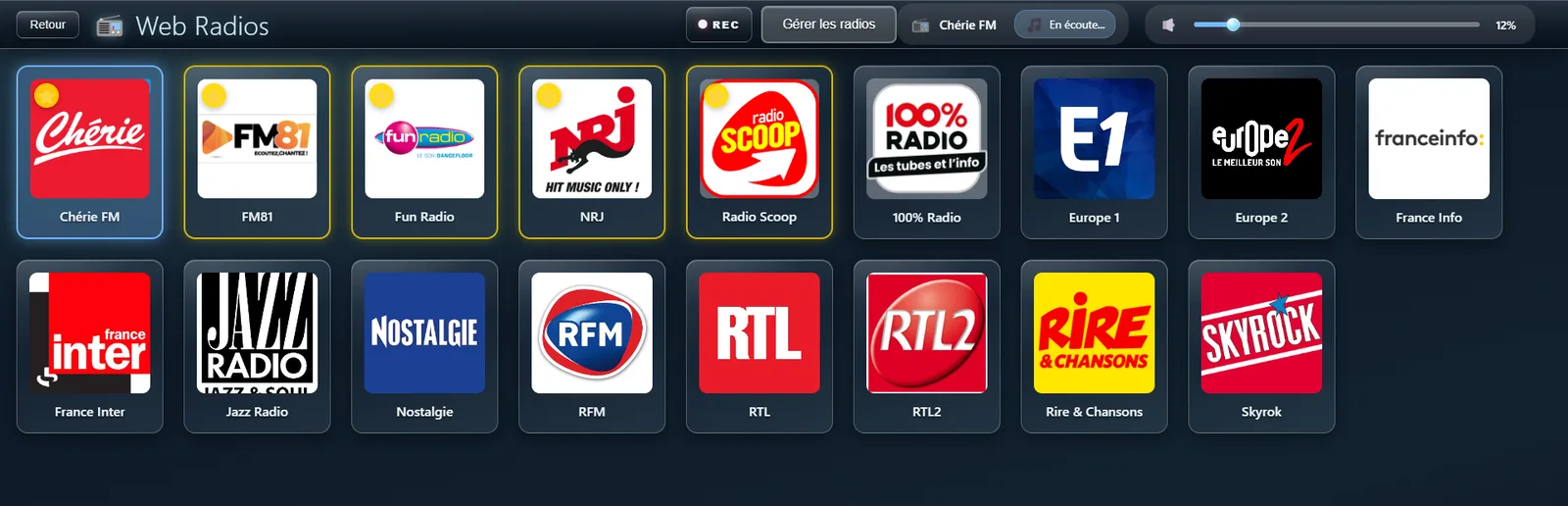
JukeBox-Cab has a page of its own for web radios, where you can listen to stations from anywhere in the world.
✨ What it gives you
- High-quality streaming
- A page of its own, kept plain
- Reached quickly from the main menu
- Volume control built in
⚙️ Settings
Shows or hides the Web Radios button in the main interface
• Default : Off- The news as it happens
- Coming across something new
- Music in the background all day
- Themed stations (jazz, rock, classical)
- Local and foreign stations
Your own stations
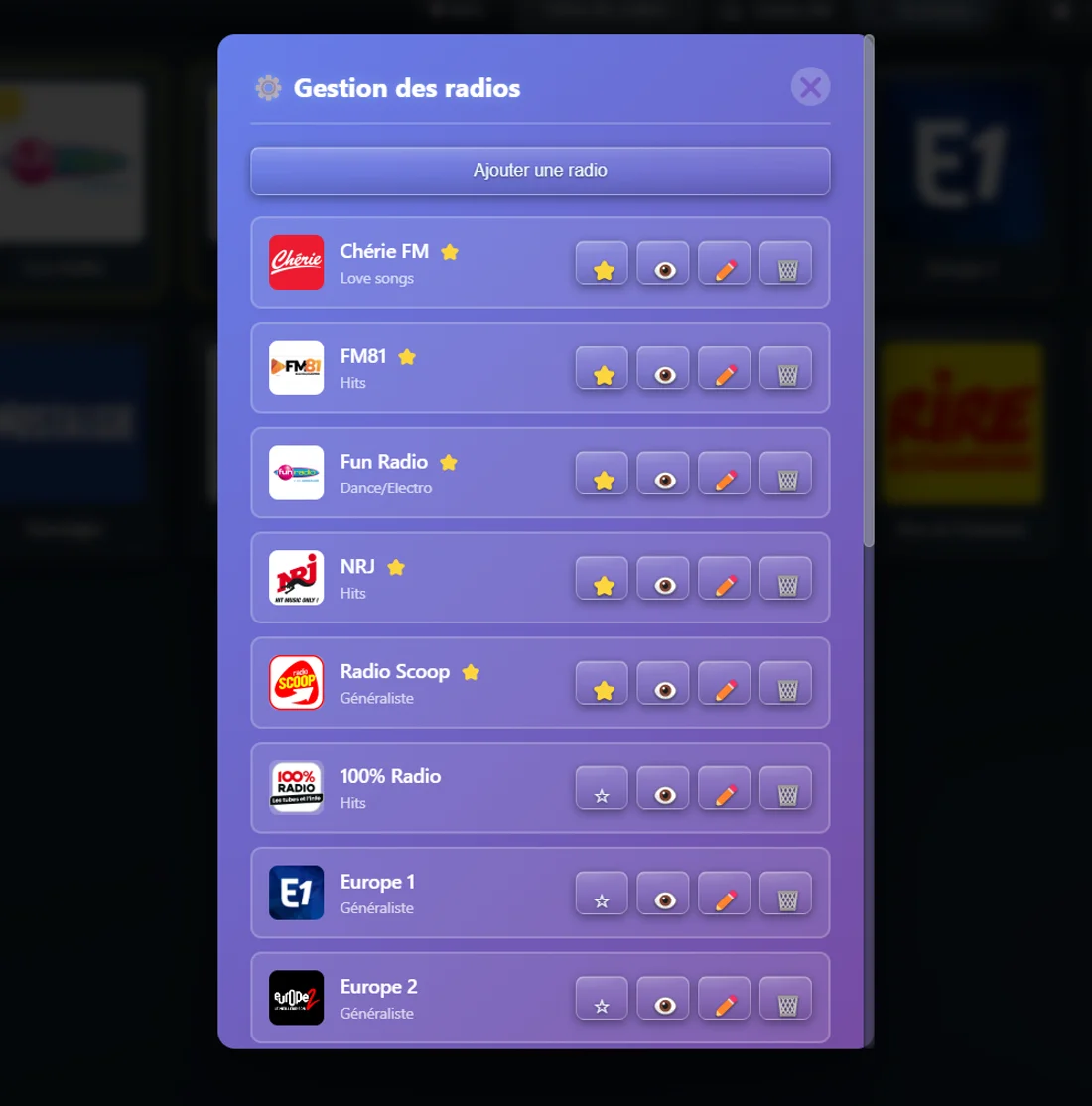
Build your own collection of web radios
Add, edit and arrange your own stations, each with its own logo — a full set of tools to make JukeBox-Cab match your taste. Stream addresses can be found on sites such as https://www.fluxradios.com
✨ What it gives you
- As many stations of your own as you like
- Upload your own logo for each one
- Favourites ⭐ for the ones you reach for most
- The full set: add, edit, remove
- Set a station aside without deleting it
- Favourites sorted to the top of the list
- Building a collection of stations of your own
- Adding local or niche stations
- Arranging them by genre
- Themed stations (80s, classical, lounge)
- Community stations
- Independent podcasts and web radios
- The local station where you live
- Specialist web radios (metal, electro, jazz)
- Favourite foreign stations
- Themed stations for different moods
- Music podcasts as they go out
Now playing
What the station is playing, live
For the stations that broadcast it, JukeBox-Cab shows the title and the artist on air as they change.
✨ What it gives you
- Broadcast details shown automatically
- Kept up to date as the music changes
- Works with most modern web radios
- Carried through to the second screen
Recording a radio stream
Record what you are listening to, in one click
A REC button on the Web Radios page records the audio stream of the station you are listening to.
✨ What it gives you
- Records the stream as you listen
- Within reach on the Web Radios page
- A red light while it records
Radio on the second screen
Station details on the video screen
While a web radio plays, the second screen shows the station logo, its name, and the track on air if there is one.
✨ What it gives you
- The station logo shown large
- The name clearly in view
- The track on air, when the station sends it
- A display that holds the eye
- Installations in bars and restaurants
- Waiting rooms with a screen on
- Public music cabinets