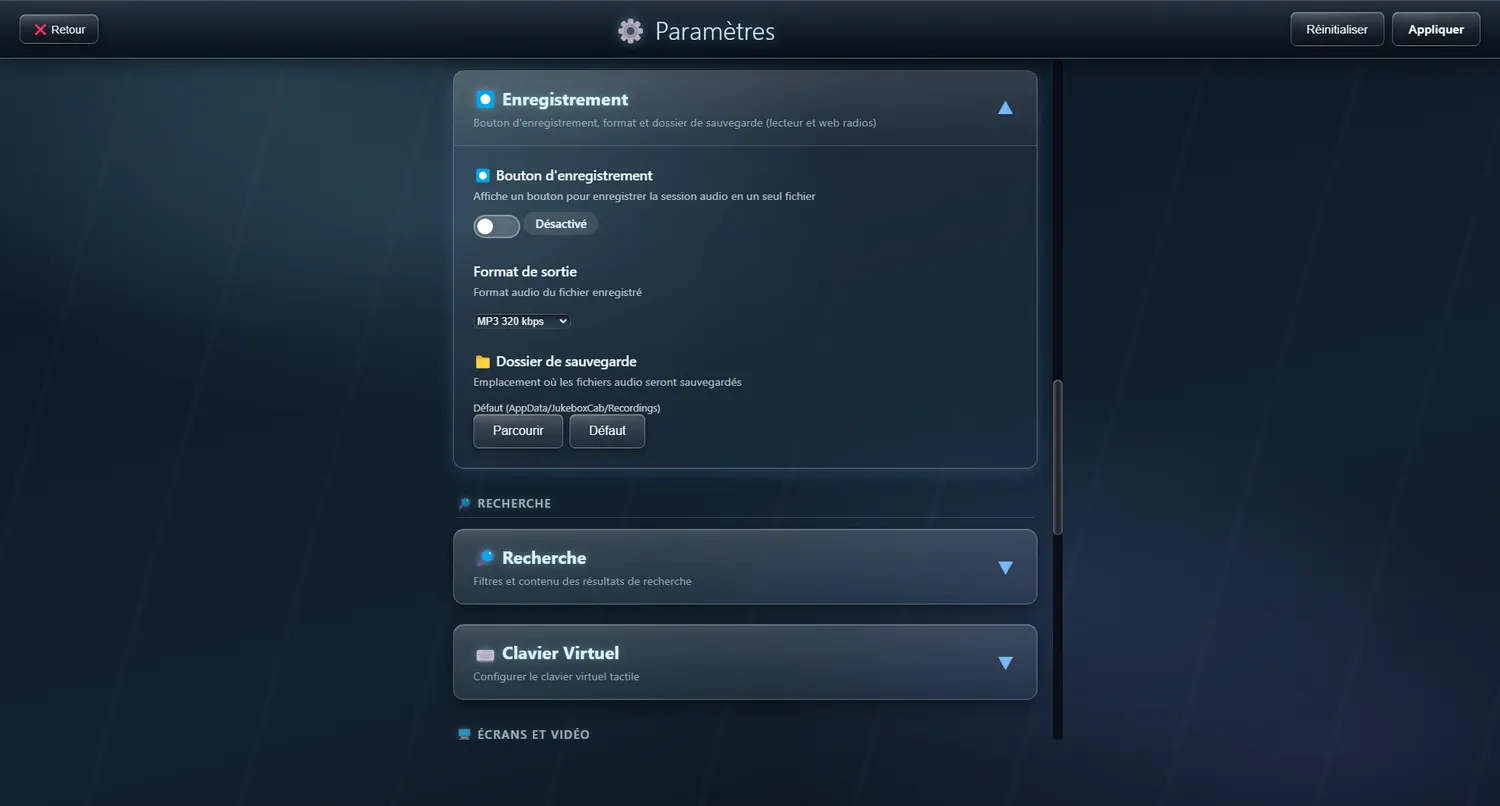
Record button
Record your listening session as a single audio file
The REC button records your listening session as one continuous audio file, exactly as JukeBox-Cab puts the sound out — crossfade, levelling and every effect included.
✨ What it gives you
- Captures the sound as it goes out: crossfades, transitions and levelled volume included
- A blinking red light while it records
- Named automatically by date and time (e.g. JukeboxCab-2026-03-07_21-34-52.mp3)
- You can keep adding tracks to the playlist while it records
- A choice between 320 kbps MP3 (the best balance of quality and size) and lossless FLAC (for keeping)
🔧 Modes
MP3 320 kbps
An excellent balance of quality and size for everyday listening.
Lossless FLAC
Keeps the audio quality untouched — the one for archiving.
⚠️ Note: If the playlist is empty when you press REC, recording starts but nothing plays until you add tracks and press play yourself.
💡 Where it comes in:
- Recording an evening or a whole DJ set as one file
- Keeping a selection with its transitions intact
- Making mixes ready to listen to, with no other software