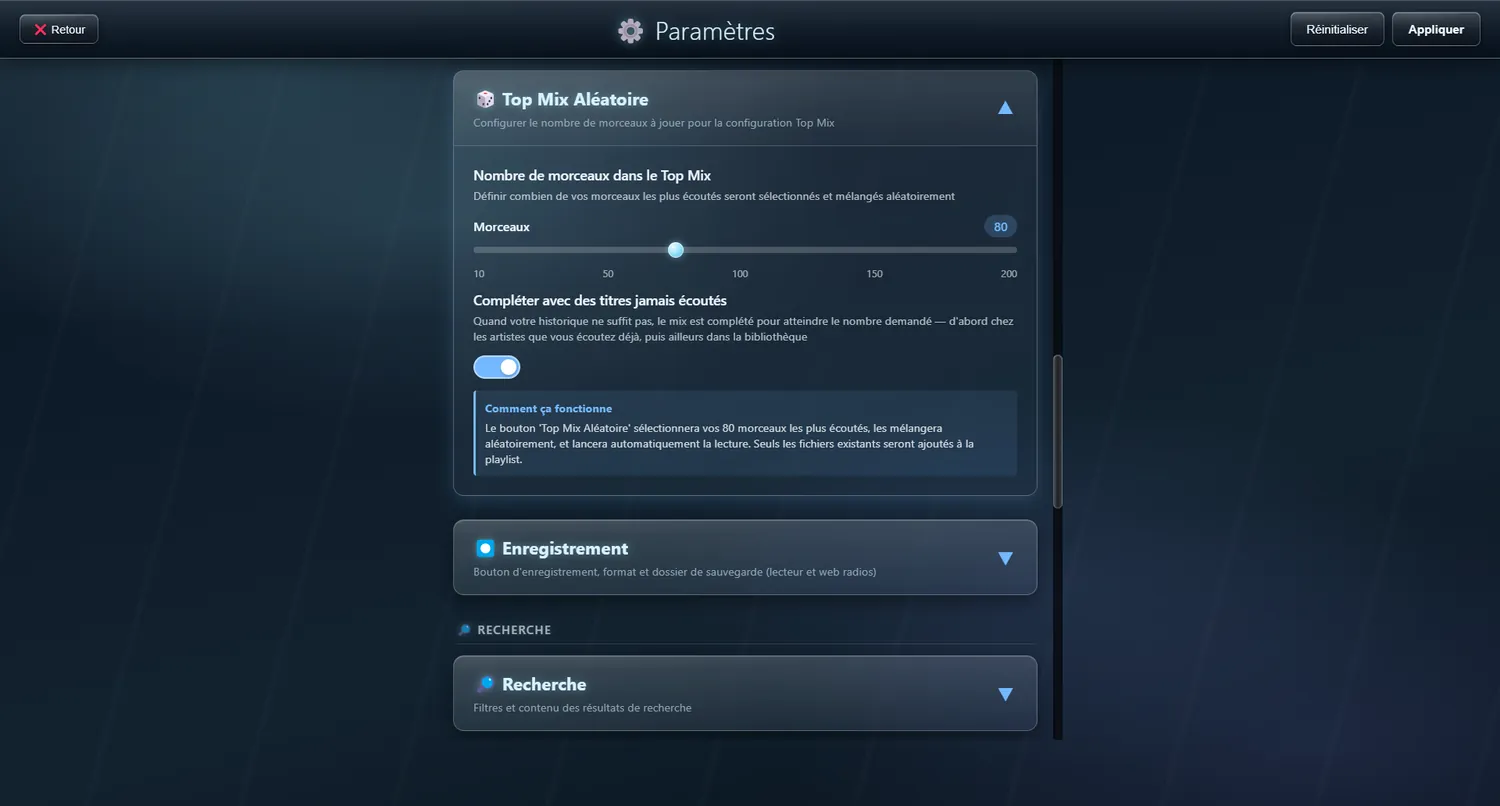
Current playlist
The queue of what is about to play
A panel sliding in from the right, showing what is queued up.
✨ What it does
- Add from any view, in one tap
- Remove tracks one at a time
- Clear the lot in one tap
⌨️ Shortcuts:
- Tap a track → it plays straight away
Reordering the playlist
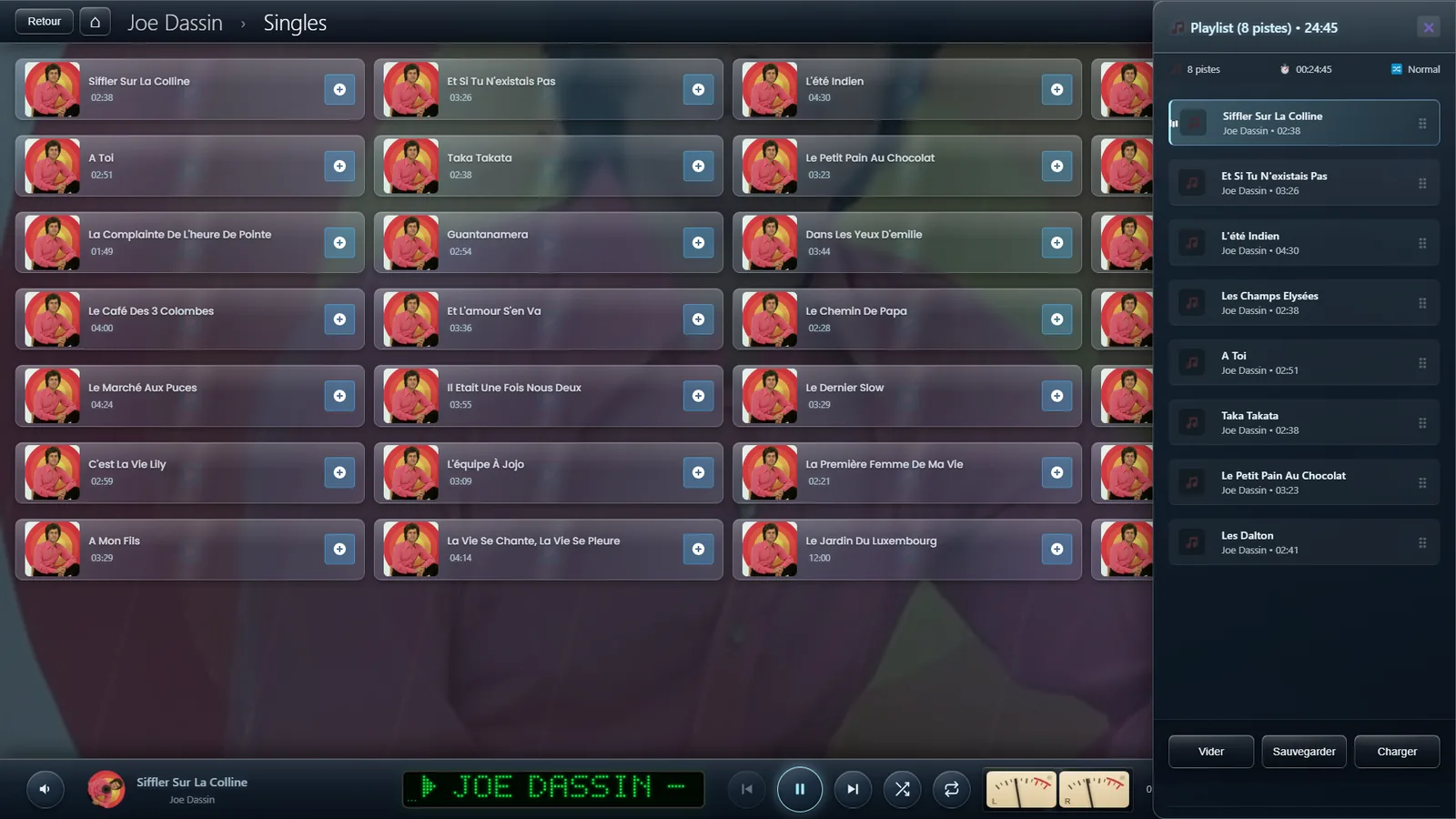
Drag a track where you want it
You can put the tracks of your playlist in whatever order you like, simply by dragging the ⠿ handle on each one.
✨ What it does
- Drag with the mouse by the ⠿ handle
- Drag with a finger by the ⠿ handle on a touchscreen
- Playback follows the new order by itself
- The player keeps up as you go
⚠️ Note: ⚠️ This is switched off while the credit system is running.
Saved playlists
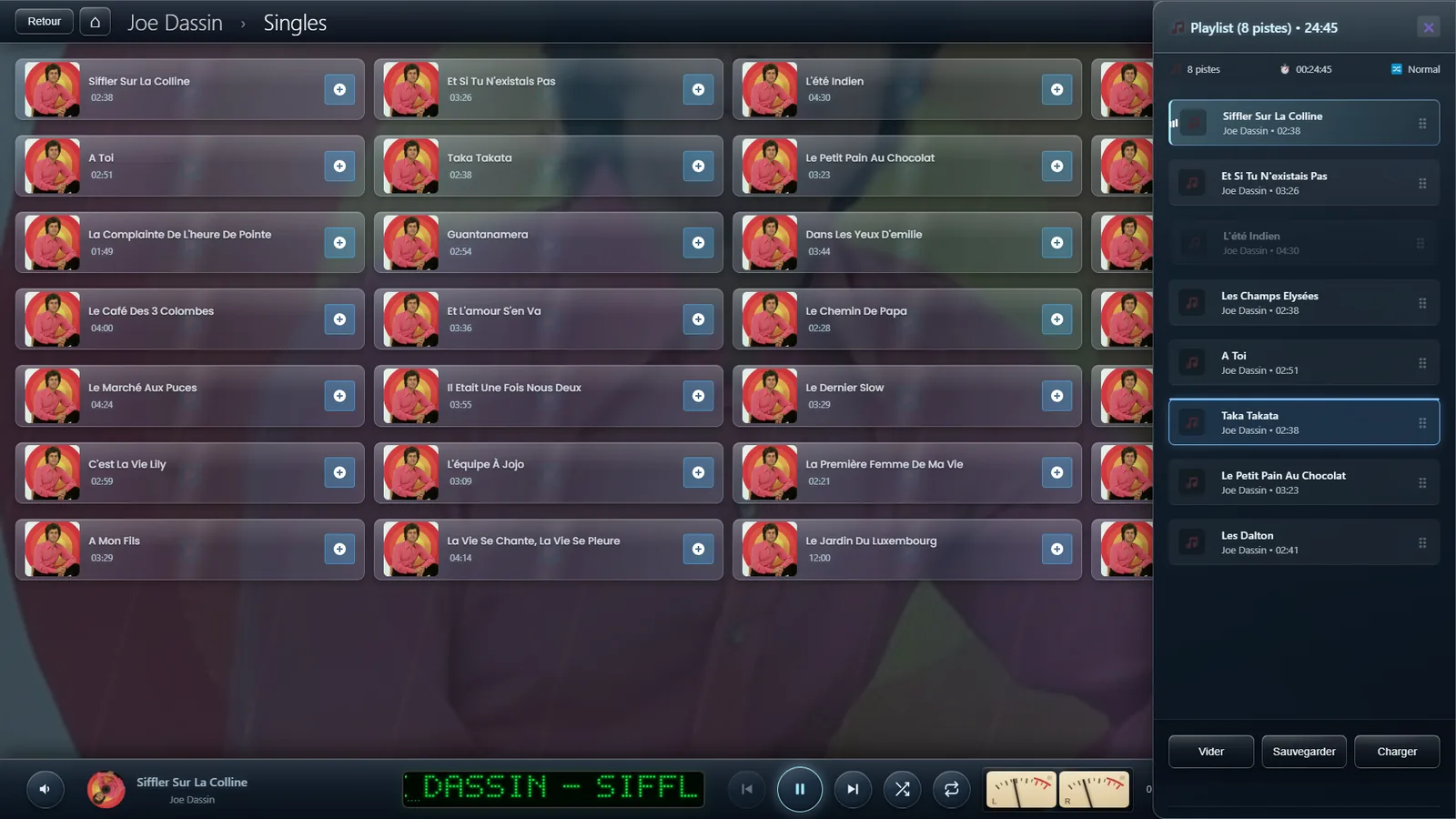
Build your own selections and call them back
Save the selections you like best, and find them again without hunting.
✨ What it does
- Playlists with names of your own
- Saved in the database
- Loaded quickly
- Edited (add or remove)
- Deleted when you no longer want them
- A search that completes the name of a playlist as you type
💡 Where it comes in:
- A "Friends round" playlist
- A "Sport and motivation" mix
- A "Wind down" selection
- Your own best-of by genre
Top Mix
A mix drawn from what you actually listen to
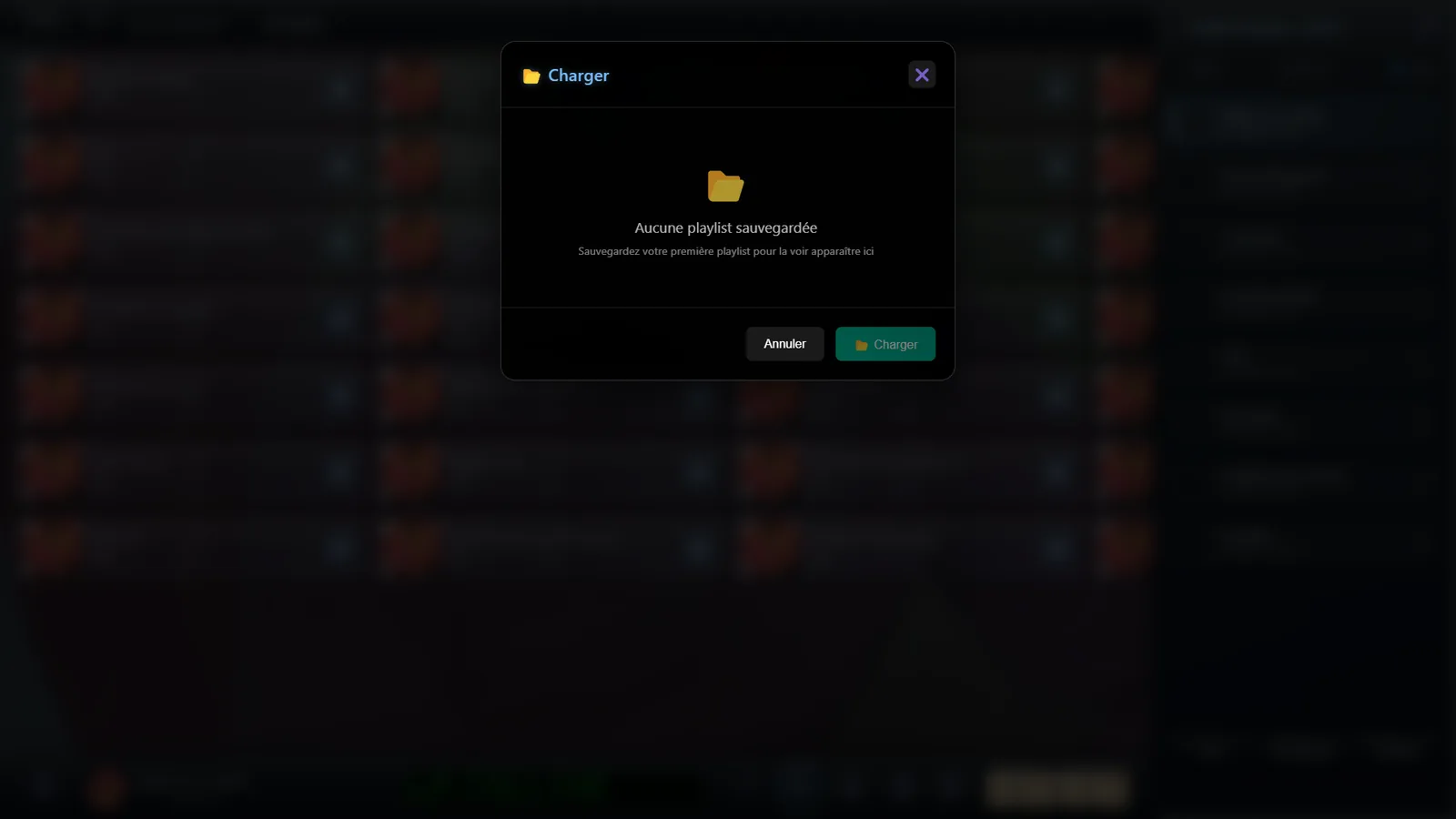
A 🎲 button on the main screen that builds a playlist from your most-played tracks on the spot.
⚙️ Settings
Number of tracks
How many songs go into the Top Mix
Range: 10 to 200 tracks • Default : 50
🧮 How it chooses: Draws at random from the tracks you play most (a high play_count), making a mix built on what you actually listen to.
🎯 Just the thing for: Finding your favourites again without going looking for them