Player controls
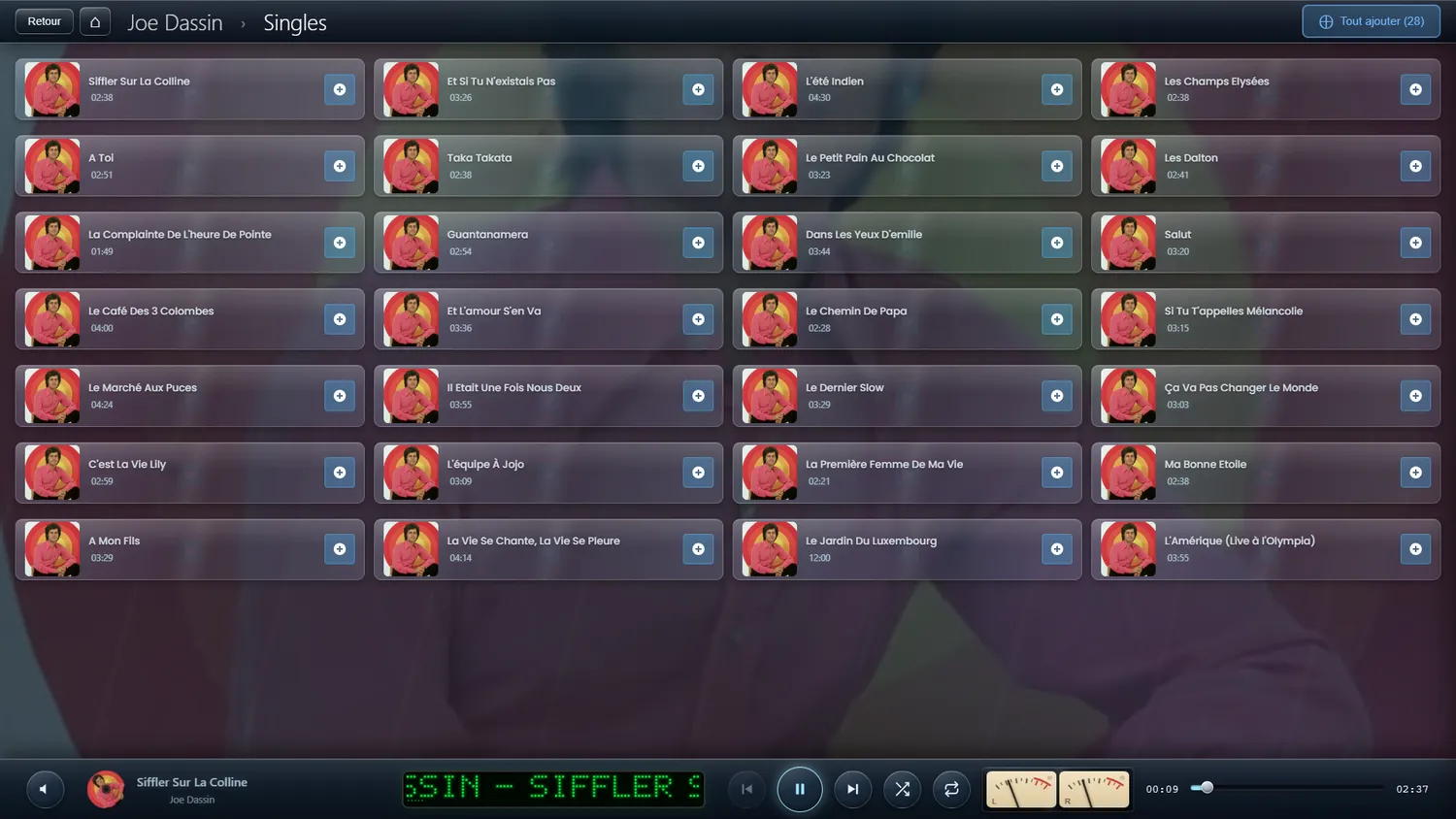
A control bar fixed at the bottom of the screen
🎮 Controls
Start the music, or hold it
Back to the track before
On to the next track
Tap to move within the track
Set the level
Play in a sensible random order
Play the playlist again
📺 On screen
- Track info : The title, artist and album playing
- Album art : The album cover, turning
- Time : Time played / total length
- Format : Whether it is audio or video
Sensible playback
Tapping a track does what you would expect, depending on what is playing
What a tap does adapts to the state of the player by itself, so nothing takes an extra step.
Listening history
What you play is quietly kept track of
Every play past the halfway mark adds one to a counter (play_count), which feeds the recommendations and the weighted shuffle.
📊 What is recorded
- How many times each track has been played
- Your most-played songs
Dot-matrix display
A jukebox display in the player bar
Rather than one sentence scrolling on a loop, the display cycles through several pages: the track playing and its progress, the next track, how many tracks are waiting with the time left, then the clock.
✨ What it gives you
- Each page stays up long enough to be read
- The outgoing page rises while the next one comes in from below
- Smooth scrolling, character by character
- The text picks up where it was when you add a track to the playlist
