Main screen
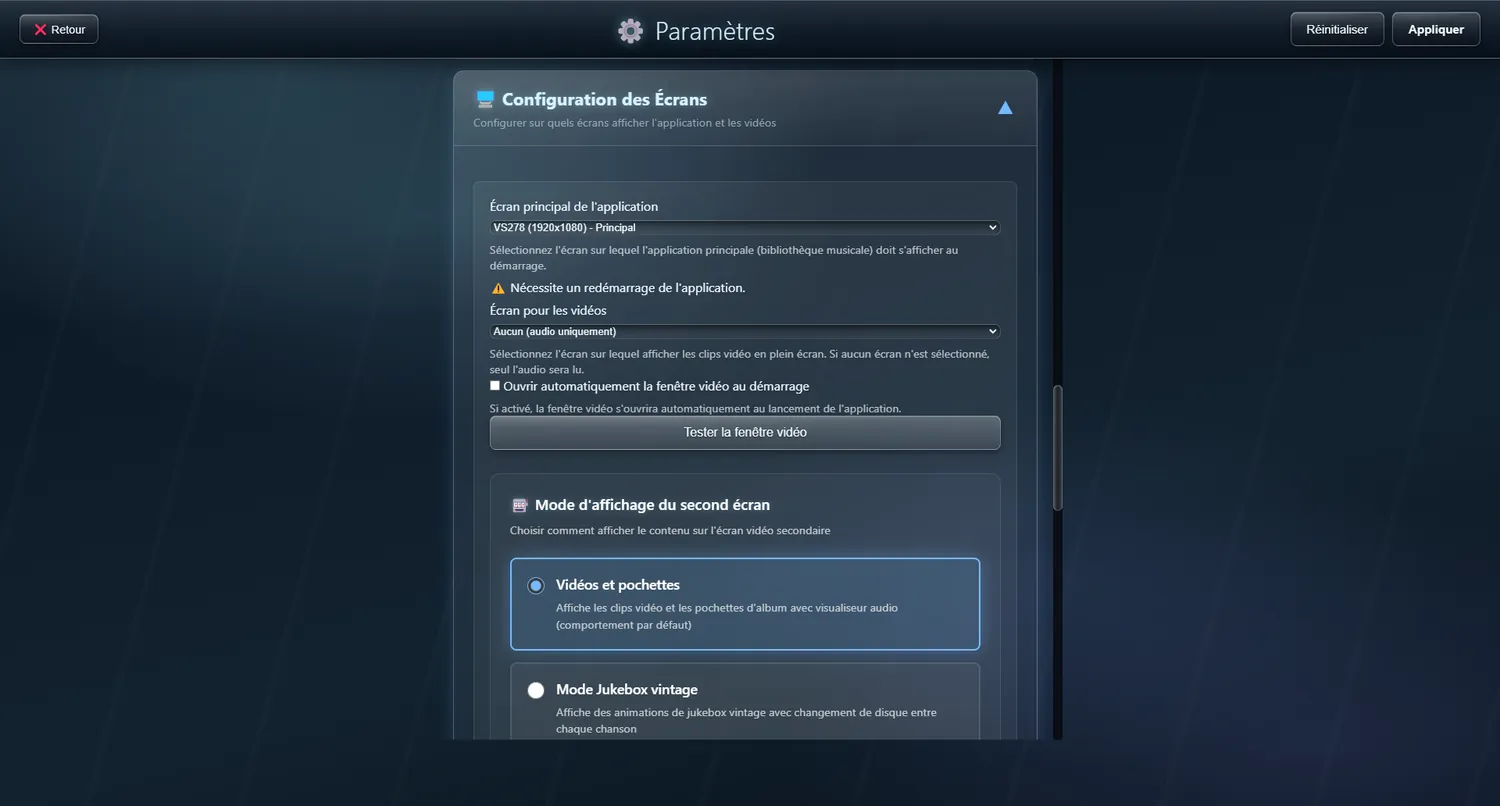
Choose which screen carries the interface
Pick the screen where the music library and the controls will appear.
- A PC with several monitors
- A DJ setup with a touchscreen of its own
- An arcade cabinet installation
Video playback, on one screen or two
Play your music videos whatever your setup
Video playback works on any setup, with or without a second monitor. Pick the mode that suits yours.
✨ What it gives you
- Video plays even with a single screen
- Full-screen video on the second monitor in a two-screen setup
- The controls stay within reach on the main screen
- An animated audio visualiser for music tracks
- Album artwork shown large
- Animated particles in the background
🔧 Modes
No screen
Audio only; no video shown
Main screen (overlaid)
The video sits straight on top of the main interface — no second monitor needed
Second screen
Full-screen video on the second monitor found, while you browse on screen one
Open the video window at startup
Default : OffWhat the second screen shows
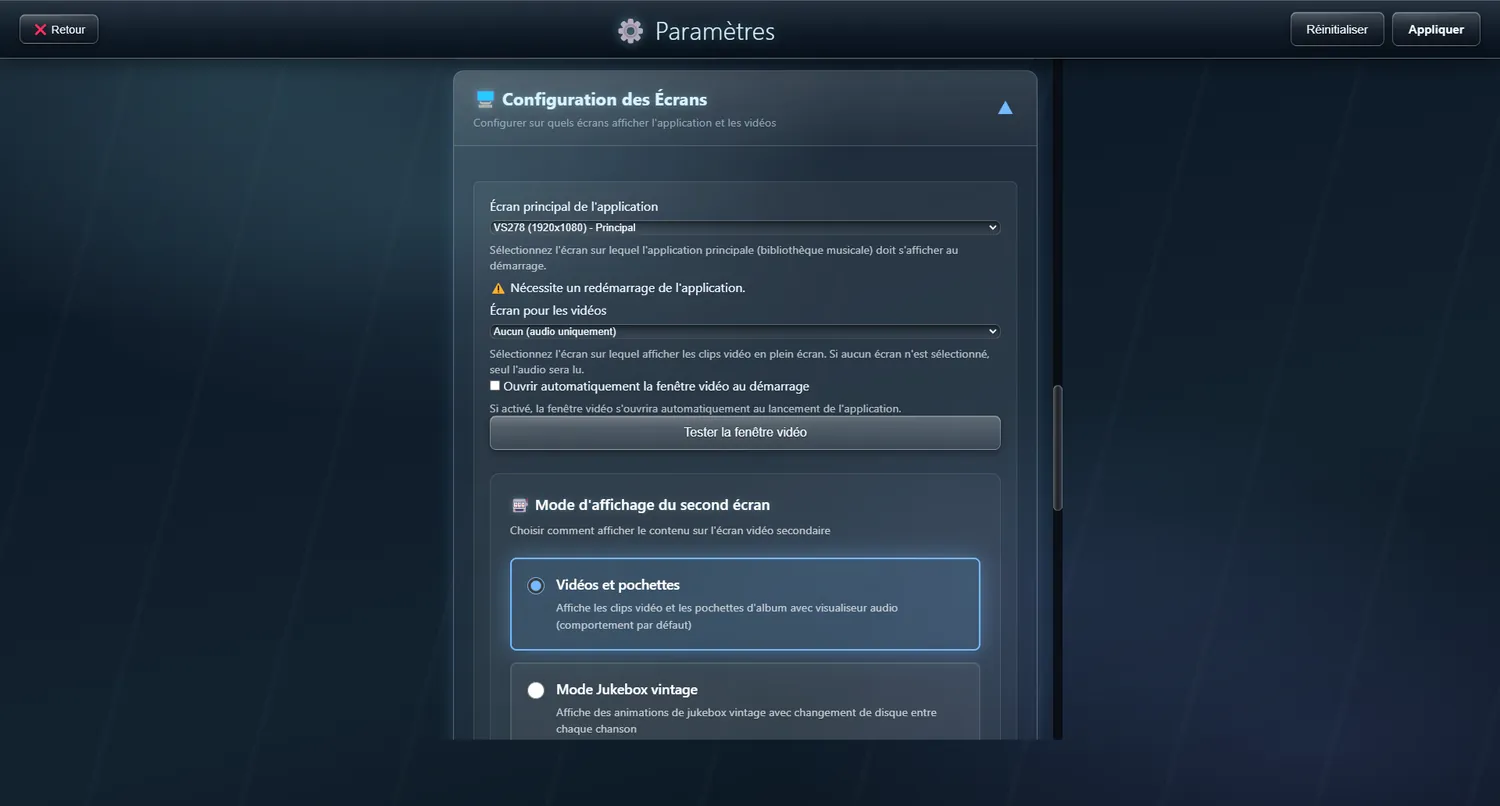
Artwork, visualiser or vintage jukebox
🔧 Modes
Videos and artwork
Shows the music videos and the album covers, with the audio visualiser
Vintage jukebox mode
Plays old-style jukebox animations, changing the record between songs
Record-changing animation
The arm and the single, even without a second screen
In vintage Jukebox mode, changing track is staged: the arm lifts, the record is taken off, the next one comes down onto the platter and playback resumes. With only one screen, the animation is now drawn in the main window.
✨ What it gives you
- The label on the single carries the real cover art of the track
- Two LED VU meters frame the turntable
- A button hides it, and it stays hidden until you call it back
- No animation on a cold start: the library stays available to fill the playlist