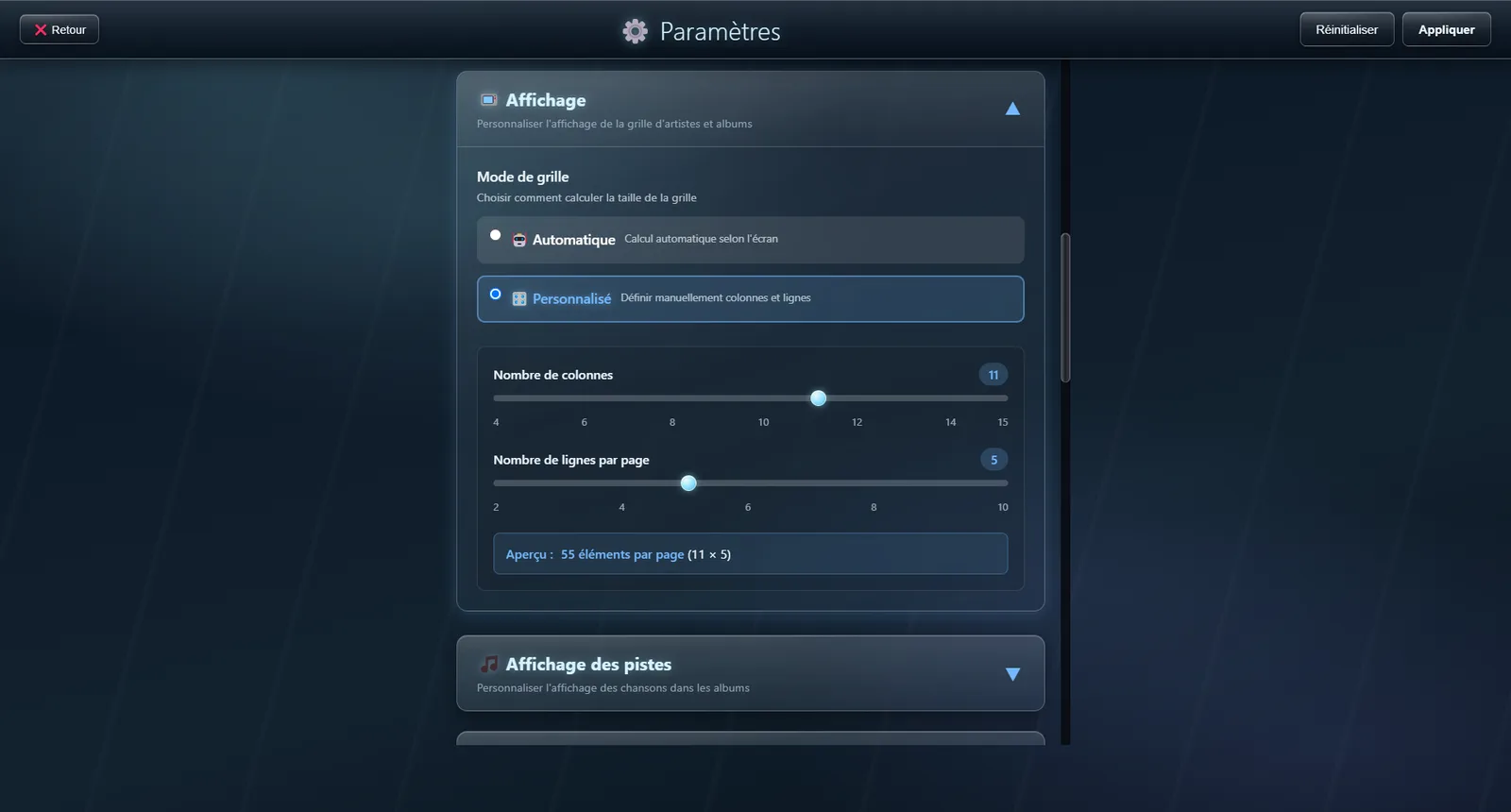
Grid layout
Set how many artists and albums appear on a page
Fit the grid to your screen and to how you like to browse.
🔧 Modes
Automatic
Worked out from the size of the screen
JukeBox-Cab reads the resolution of your screen and works out how many items per page look right.
Manual Recommended
Set the number of columns and rows yourself
Full control: say exactly how many artists or albums to show per page.
- Columns : 4 to 15 columns
- Rows : 2 to 10 rows
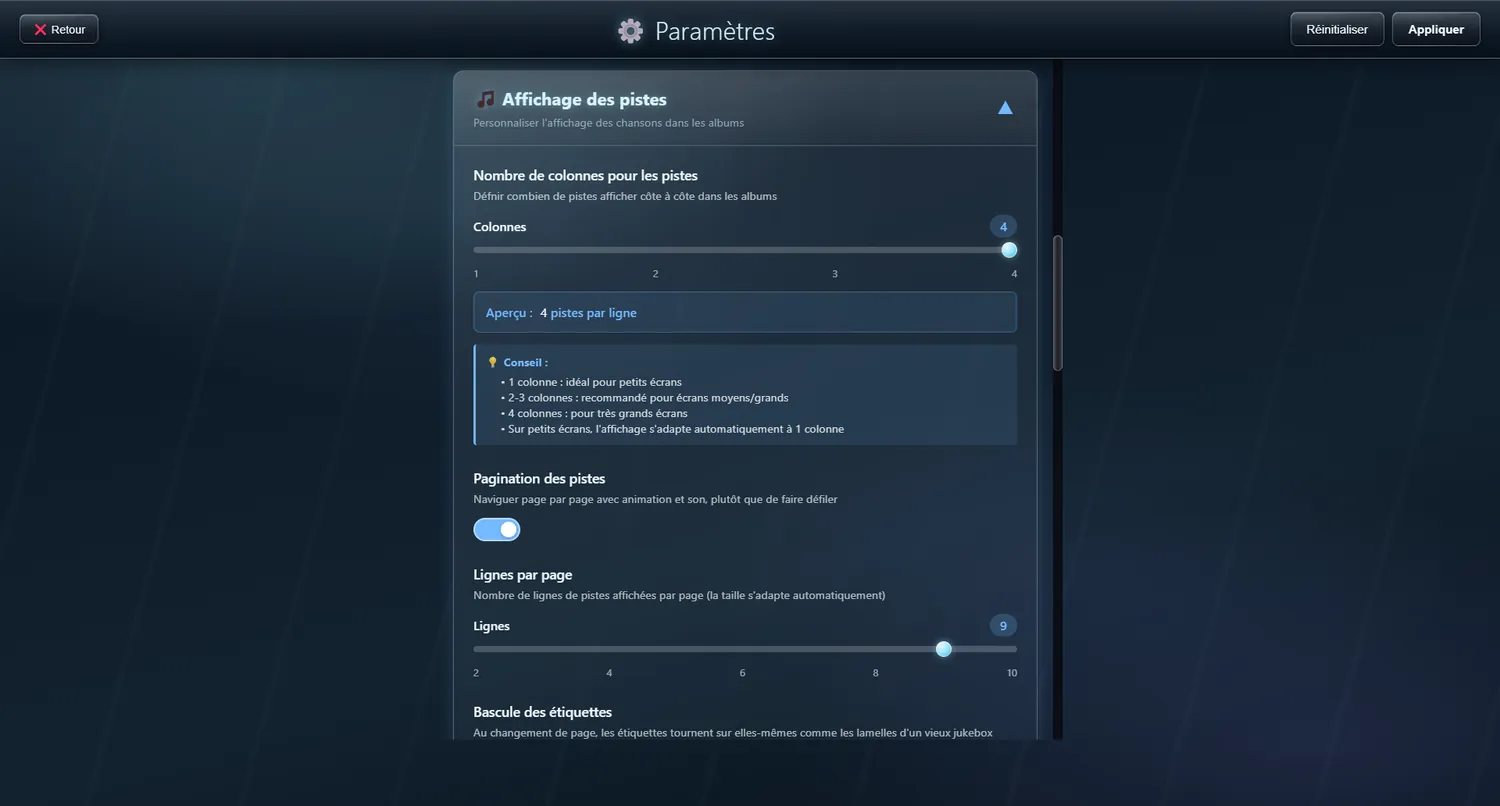
Track columns
How many tracks sit side by side
Choose between one and four columns for the track list of an album.
⚙️ Options
1 column
A plain vertical list, best on small screens
Best for: Screens under 1366 px
2 columns
A balance between readability and compactness
Best for: Screens 1366 px to 1920 px
3 or 4 columns
Compact display for large screens
Best for: Screens above 1920 px, or wide touchscreens
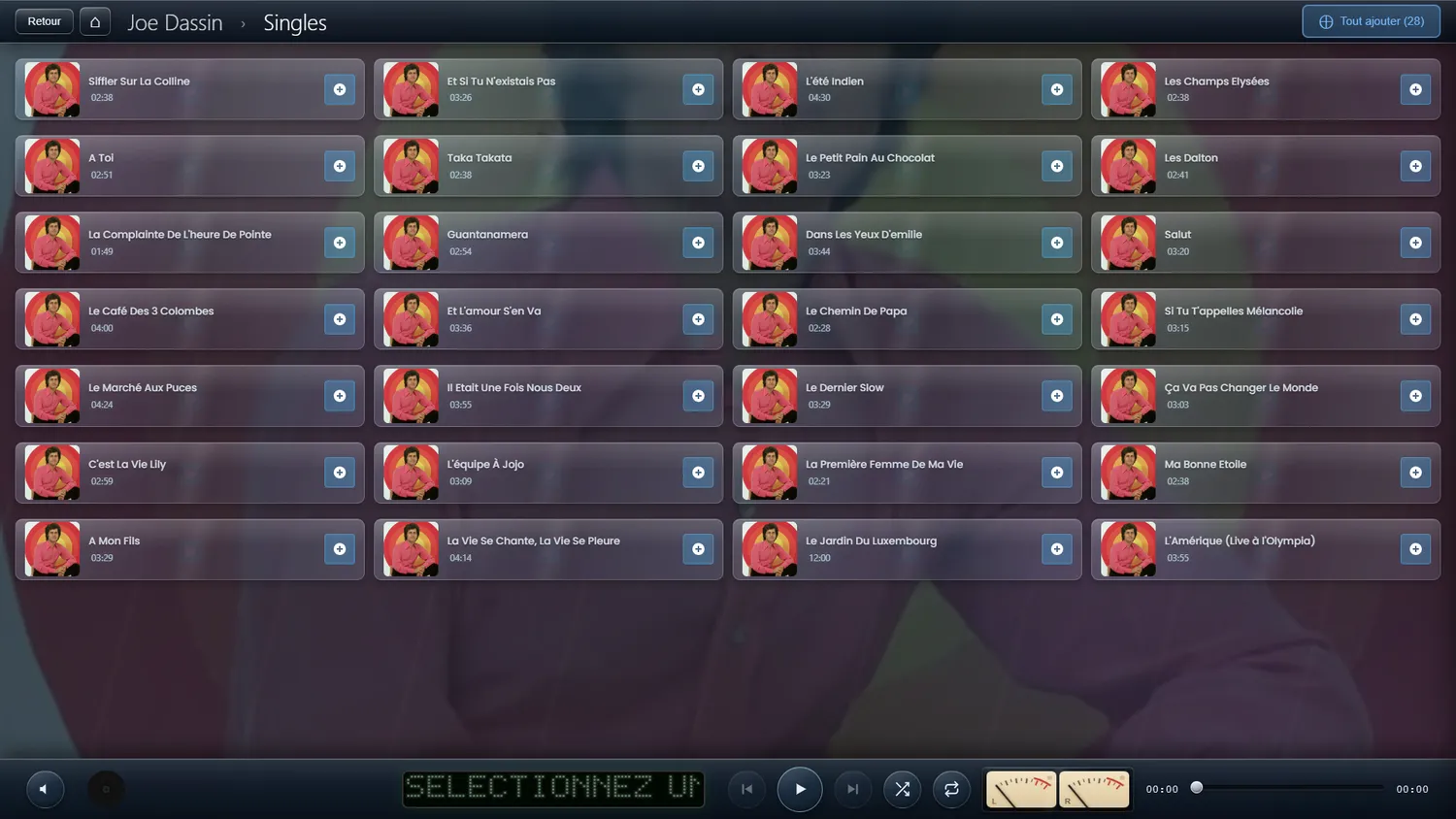
Paged track lists
An album's tracks laid out in pages, with no scrollbar
Rather than one long list to scroll, the tracks are laid out in a grid of rows and columns. You move from page to page with the buttons, the scroll wheel or a swipe, and the paging wraps around.
✨ What it gives you
- Nothing to scroll: everything fits on screen
- The number of rows and columns is yours to set
- Buttons, scroll wheel and swipe
- Wraps around: the last page leads back to the first
- Applies to search results too
Flipping labels
Labels turn over when the page changes, like a vintage jukebox
Like the leaves of an old jukebox, the labels turn over row by row when the page changes. Each sets off with a slight delay and a pace of its own, so the movement looks mechanical rather than calculated.
✨ What it gives you
- Applies to the artist and album grid as well as the track list
- Works whatever the theme and the skin
- Off by default: turn it on in the display settings