Event countdown
An automatic countdown for New Year and any other occasion
Set a countdown for any occasion — New Year, a birthday, a party. Everything fires on its own at the time you chose, with nothing to do on the night.
✨ What it gives you
- Fires entirely on its own at the time you set
- A full-screen overlay on both screens at once
- A spoken count in the language of the application (FR, EN, ES, IT)
- A beep with reverb on every second
- Fireworks drawn by the application, with no video file
- A closing message of your own, in animated rainbow colours
- The music picks up again by itself afterwards
- A "Test" button to see the whole thing in under twelve seconds
🔧 Modes
Ten seconds out
The music pauses, a full-screen overlay appears on both screens and the count begins, with a large figure in the middle.
During the count (10 → 1)
Every second, the figure is called out in the language of the application. A beep with reverb goes with each one. The figure pulses and changes colour as it goes: red → orange → yellow → white.
At zero
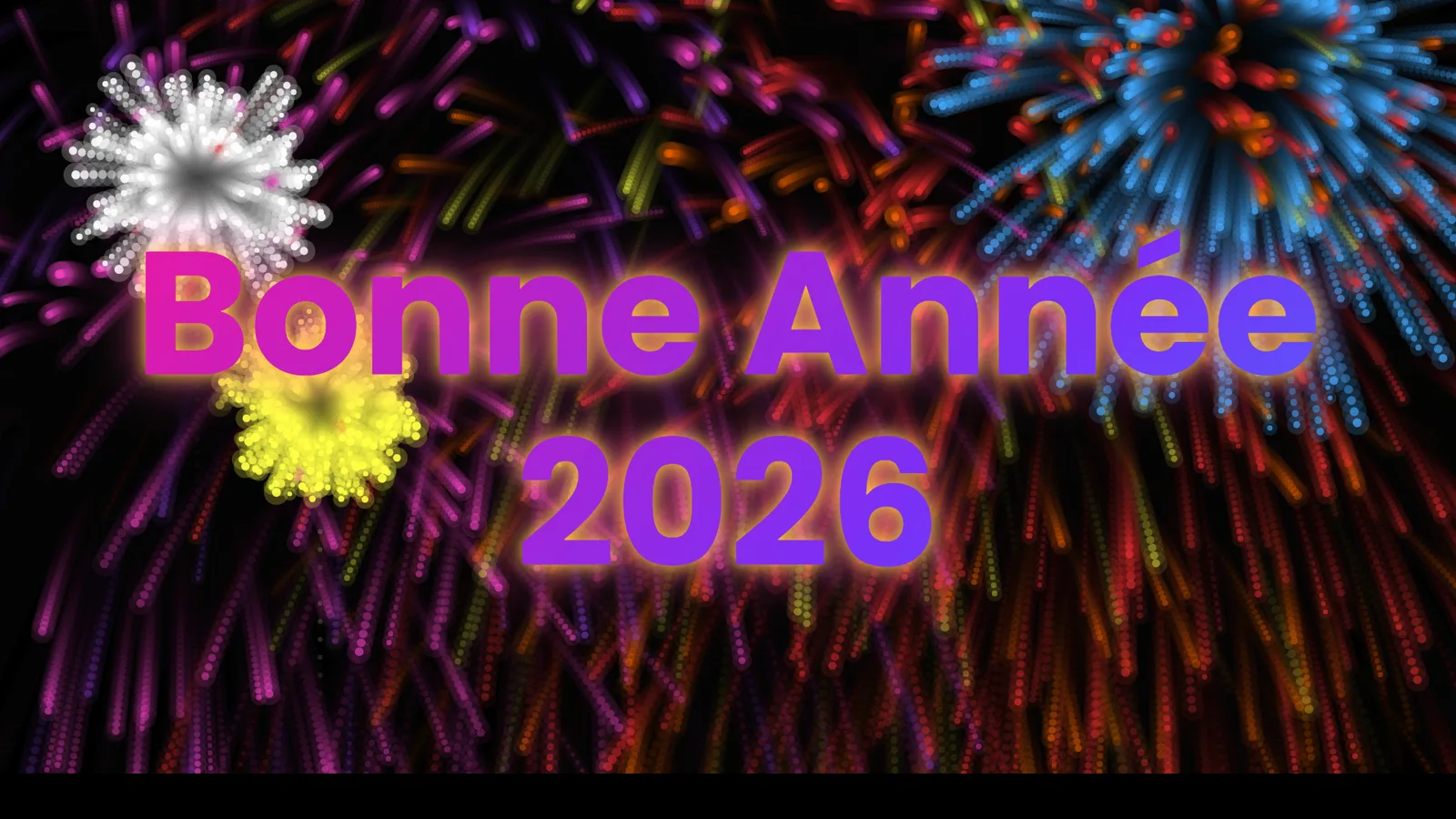
Your own message appears large, in animated rainbow colours. Fireworks go off on both screens for about five seconds, drawn entirely by the application.
Afterwards
The overlay disappears by itself. The music picks up again — either the song that was playing, or a Top Mix if nothing was.
- New Year's Eve
- Birthdays and parties
- Private evenings and celebrations
- Jukebox cabinets in a bar or a function room
- Any occasion with a moment to mark
- Overlay : Full screen on the main and the second screen at once
- Colors : Red → orange → yellow → white, one step per second
- Fireworks : Drawn entirely by the application; no video file needed
- Duration_fireworks : About five seconds
- Voice : Speech synthesis in the language the application is set to