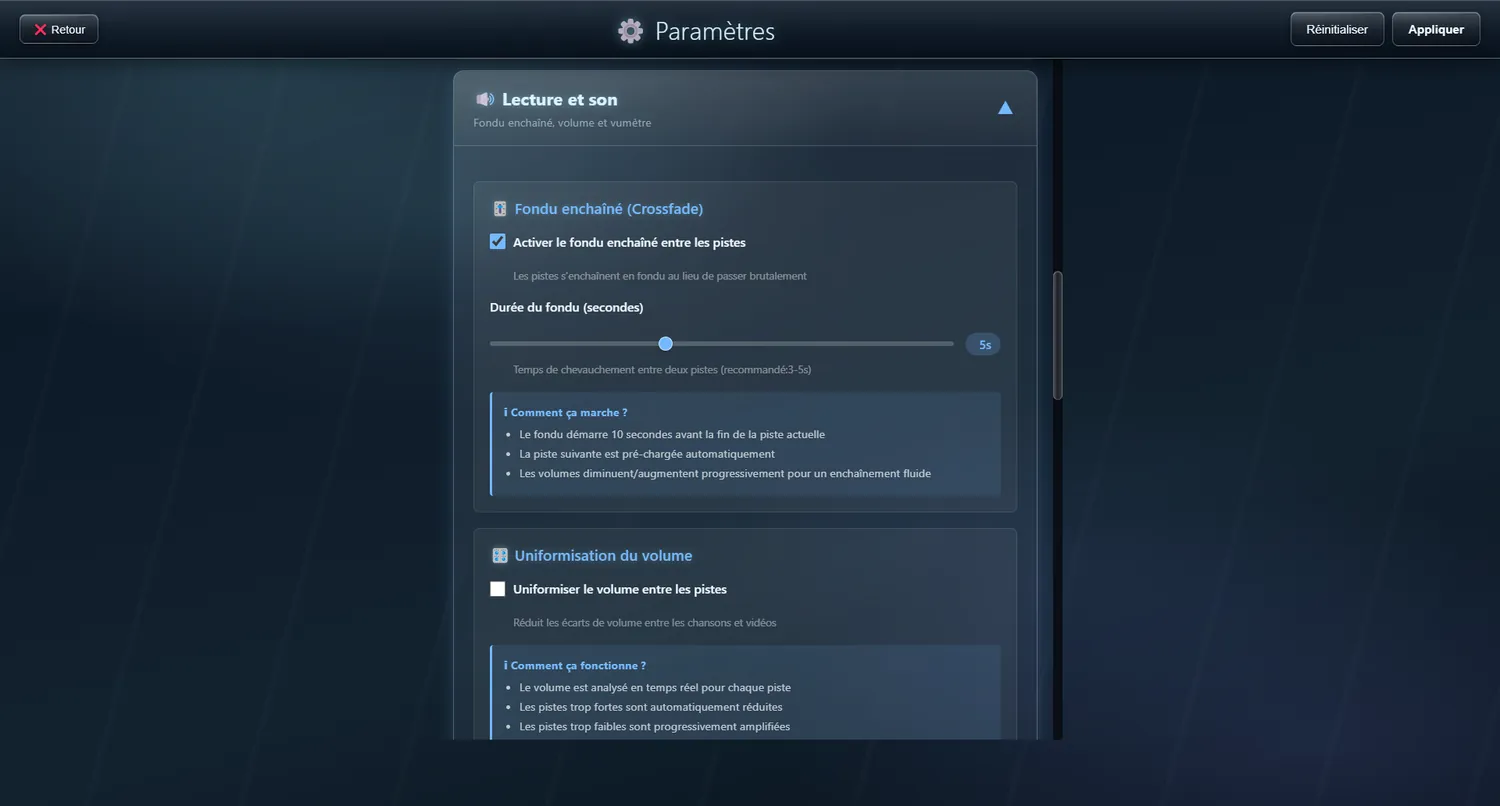
Crossfade
Smooth transitions from one track to the next
Make professional-sounding segues, with one song fading into the next.
⚙️ Settings
Switches the fade between tracks
• Default : OnHow long one track takes to give way to the next
Range: 2 to 10 seconds • Default : 3 seconds- Setting the mood at a party
- Listening without a break
- An automatic DJ mix
- Atmosphere playlists
Volume control
Precise control over the sound level
A volume slider within reach on the player bar, with a visual indicator.
✨ What it does
- A vertical slider showing the level
- The last level is remembered
- A quick mute button
- Keyboard control (and the scroll wheel over the button)
Volume levelling
Evens out the loudness between songs
A setting measures the level of each track and adjusts it as it plays, so that every song comes out at the same perceived loudness. Just the thing for a collection gathered from many sources.
✨ What it gives you
- No more jumps in volume between tracks
- A steady level throughout your listening
- Particularly useful with collections from varied sources
⚙️ Settings
Evens out the volume between songs by itself
• Default : Off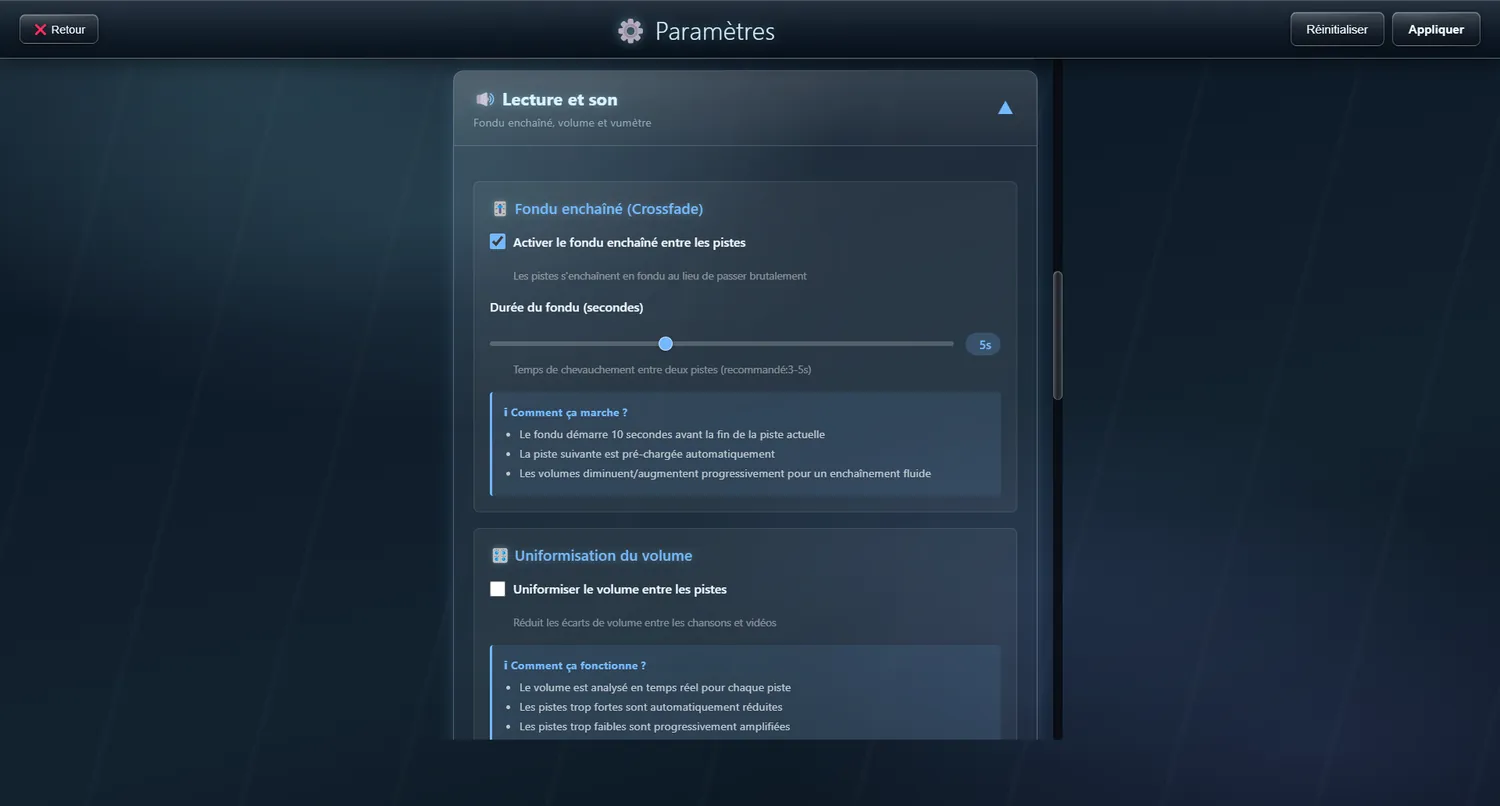
VU meter styles
Seven looks for the VU meter, or none at all
The VU meter on the player bar can take seven different looks, and can be switched off altogether if you prefer a plain display or the machine is short of power. The second screen has a setting of its own.
⚙️ Options
Bars
The original look, in vertical bars
Gradient
Rounded bars with a peak that falls back
LEDs
Columns of green, amber and red LEDs
Mirror
Bars mirrored on either side
Wave
The smoothed outline of the spectrum
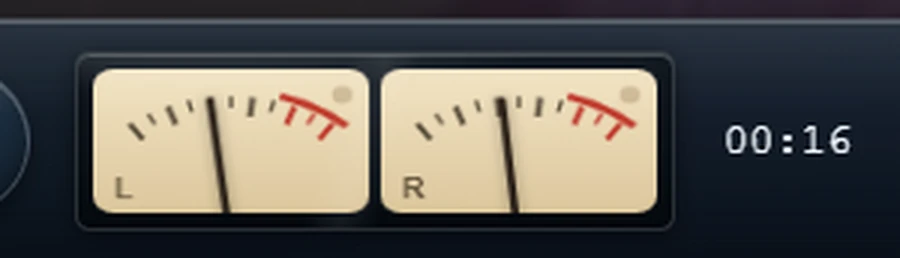
Needles
Two cream dials with needles, left and right, in the manner of an old amplifier
Fluorescent display
Cyan segments on black, like an 80s car radio
None
The frame disappears and nothing is drawn
Interface sounds
A click on touch, a beep when a track is added
So that the screen answers like a piece of furniture, a discreet sound goes with every tap and with each track added to the playlist. Three timbres are offered, because a sound is judged by ear and not from a description.
⚙️ Options
Mechanical
A clean contact and a wooden body
Jukebox
Deeper and fuller
Discreet
A simple brush of the finger (default)
None
Complete silence
Rotary volume knob
An amplifier knob rather than a slider
The volume is set on a rotary knob drawn like that of an amplifier: a ring of graduations, a level arc, brushed metal and a pointer.
✨ What it gives you
- You set it by sliding vertically, not by tracing a circle: with a finger, the circular gesture slips
- The scroll wheel and the arrow keys work too
- Everything turns red on mute, and the percentage reads “Muted”
- With a mouse, moving the pointer onto the button opens the panel